Faceless YouTube Shorts with AI: The 2026 Guide
Learn how to create faceless YouTube Shorts with AI. Discover scripting, consistent characters, safe-zone captions, and monetization basics.
 SabinoCEO6 min readUpdated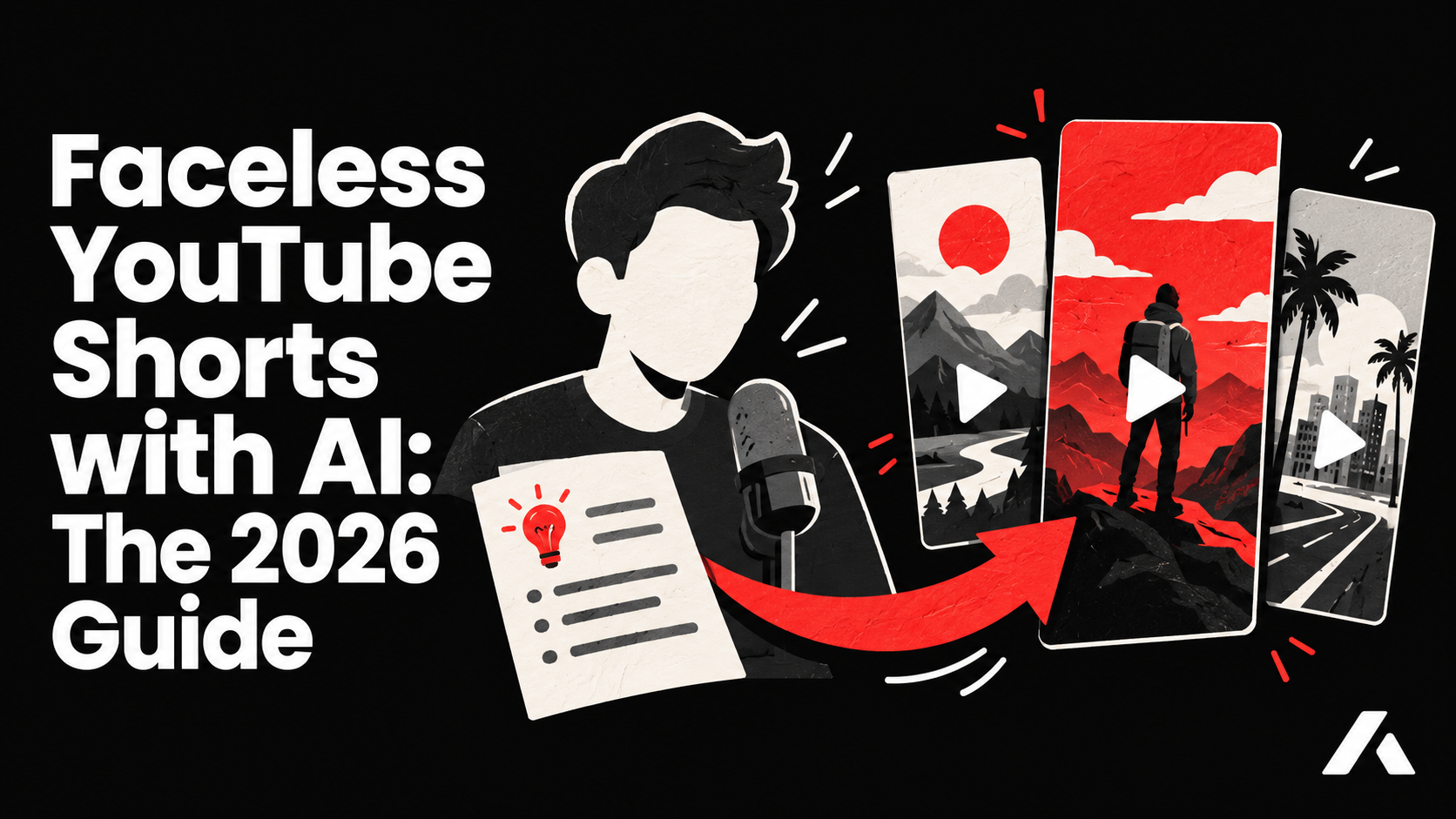
On this page
- What makes a Short different from a TikTok
- Pick a format that holds (explainers, stories, POV)
- Script and hook for 30-60 s
- Generate original scenes with a consistent character
- Captions in the safe zone (mid-frame)
- Publishing and scheduling Shorts
- Monetization basics (YouTube Partner Program)
- FAQ
- Can I use AI voices for YouTube Shorts?
- Will YouTube monetize AI-generated content?
- How long should my Short be?
To create successful faceless YouTube Shorts with AI, you need a high-retention script, a consistent digital character to build brand recognition, and dynamic original visuals. By using an end-to-end tool like Aificient Studio, you can generate fully structured 9:16 vertical videos with cloned voices and burned-in captions, ready to capture your audience's attention.
Running a faceless channel removes the friction of setting up cameras, lighting, and recording gear. However, the competition on YouTube Shorts is fierce. To stand out, you must move beyond generic stock footage and deliver original, visually cohesive stories. Here is exactly how to build and monetize a faceless YouTube Shorts channel in 2026.
What makes a Short different from a TikTok
While TikTok and YouTube Shorts share the same 9:16 vertical format, their algorithms and audience behaviors differ significantly. TikTok is heavily feed-driven, prioritizing immediate trends and rapid engagement. A video might spike in views for a few days and then vanish.
YouTube Shorts, on the other hand, benefit from YouTube's massive search engine infrastructure. A well-optimized Short can act as evergreen content, drawing steady views months after publication because users actively search for the topic. This search-driven nature means your titles, descriptions, and the specific niche you choose have a profound impact on your channel's long-term growth. Because of this longer shelf life, investing in higher production value and original scenes pays off.
Pick a format that holds (explainers, stories, POV)
Before generating any video, you need a repeatable format. Consistency trains the algorithm on who your audience is and trains your viewers on what to expect. Consider these proven formats for faceless channels:
- Explainers and Mini-Documentaries: Break down complex topics, historical events, or scientific facts into digestible 60-second visual journeys.
- Reddit-Style Stories: Narrate engaging, dramatic, or spooky stories using a strong voiceover and atmospheric, cinematic AI visuals.
- POV and Relatable Scenarios: Use a recurring AI character to act out everyday situations, workplace humor, or industry-specific jokes.
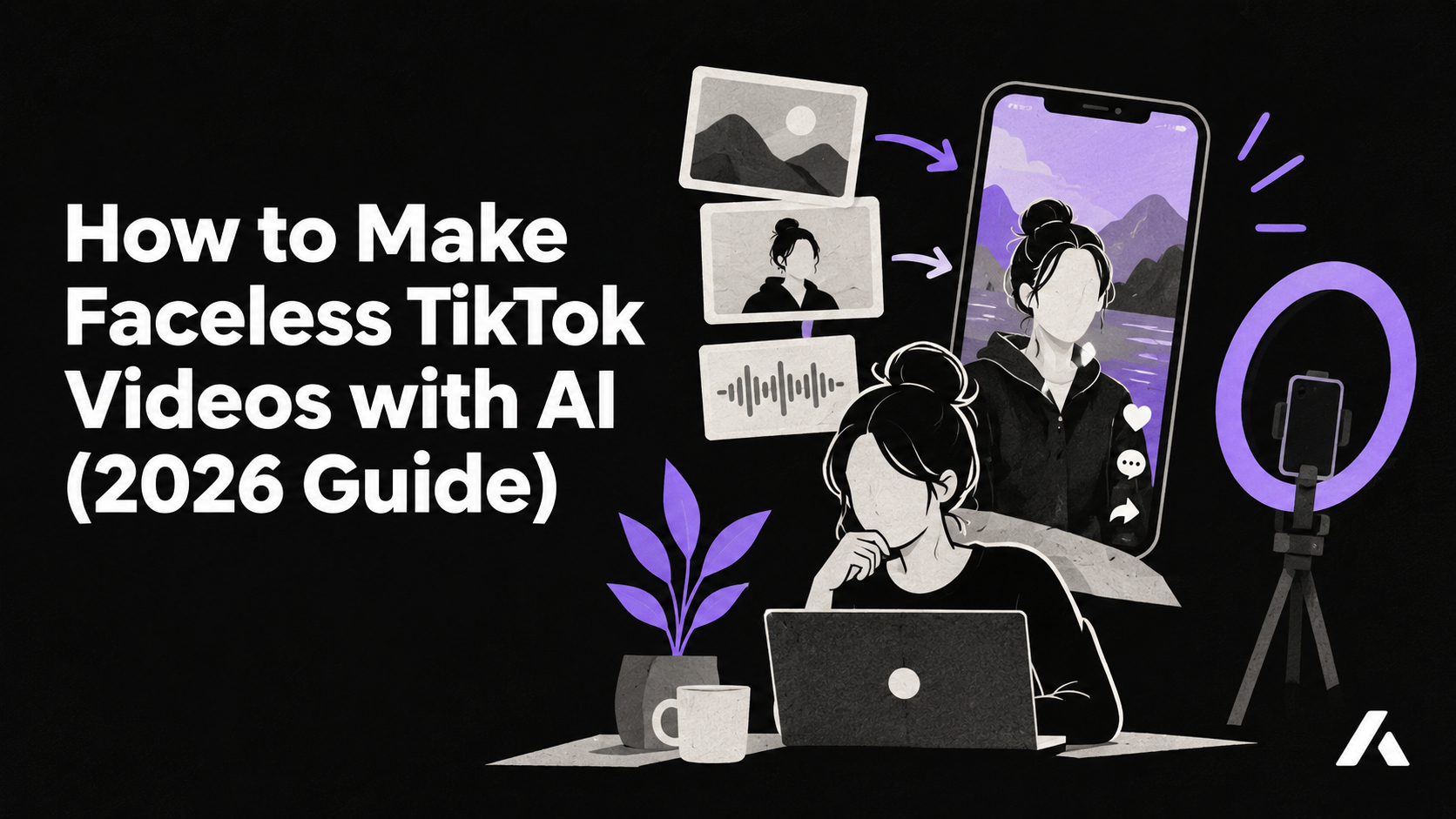
If you are looking for specific niche inspiration, you can explore 15 faceless TikTok niches for 2026 and how to make faceless TikTok videos with AI for more content ideas.
Script and hook for 30-60 s
The first three seconds of your Short determine whether a viewer stays or scrolls. Your hook must be both visually and auditorily striking. Instead of starting with "Today I'm going to talk about...", drop the viewer immediately into the action or the core question.
In Aificient Studio, the Story mode streamlines this process. You can type a single line or idea, and the AI will write a structured concept, including the title, style, narrator, scene descriptions, and sound-effect cues. It automatically breaks the script into cinematic scenes tailored for short-form content. Because durations run in strict increments like 15, 30, 45, or 60 seconds, you can perfectly pace your script to fit the YouTube Shorts limit without awkward cut-offs.
Generate original scenes with a consistent character
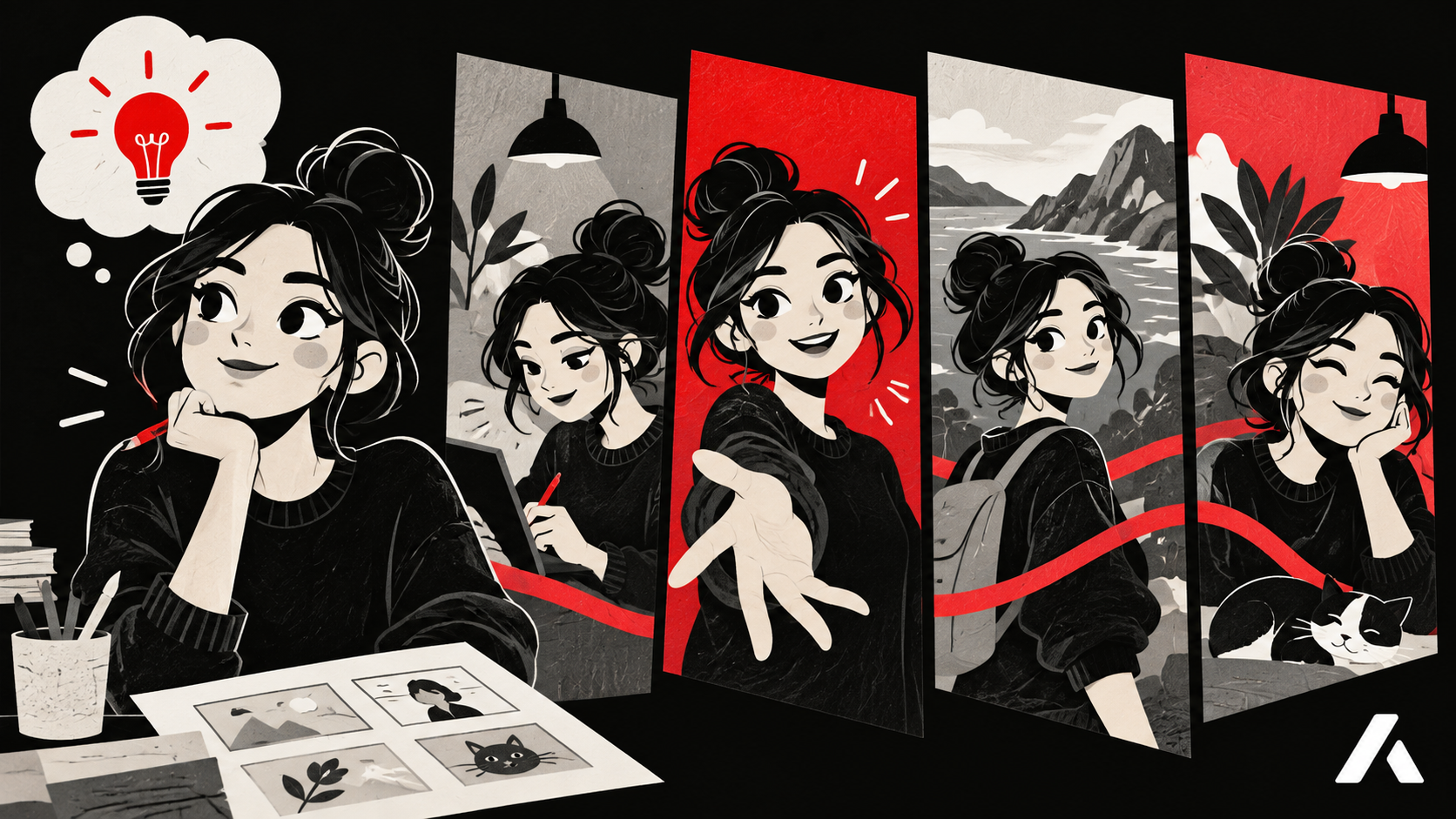
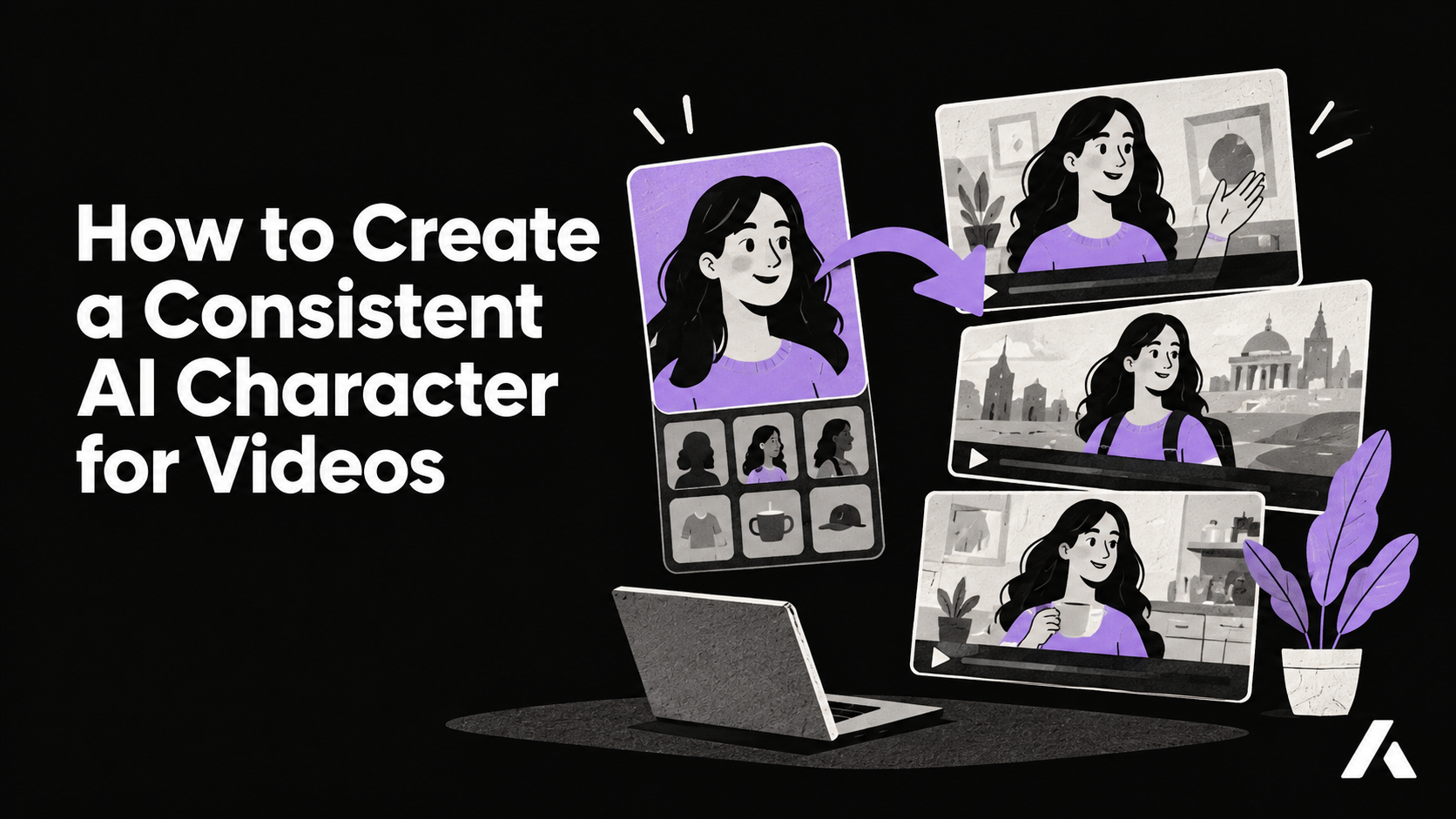
One of the biggest challenges for faceless channels is building brand identity without a real human face. Audiences connect with characters, not random assortments of stock clips. Aificient Studio solves this by allowing you to create a reusable AI cast.
You can upload a photo of a real person, and the app redraws it as a stylized, reusable character. You keep the likeness but can change the costume, species, or the entire universe they live in—whether that is a 3D animation style, classic cartoon, or cinematic realistic. These characters live in your Character library and can be pinned into any project. This means your faceless video generator workflow produces a consistent face that people can follow from one Short to the next. Read our guide to consistent AI character videos to plan the visual identity.
Furthermore, every shot in Aificient is generated originally for your story. You decide exactly what is in the frame, casting your library characters into specific scenes and assigning them outfits that follow them throughout the video. This level of control ensures your Shorts look like cohesive, premium productions.
Captions in the safe zone (mid-frame)
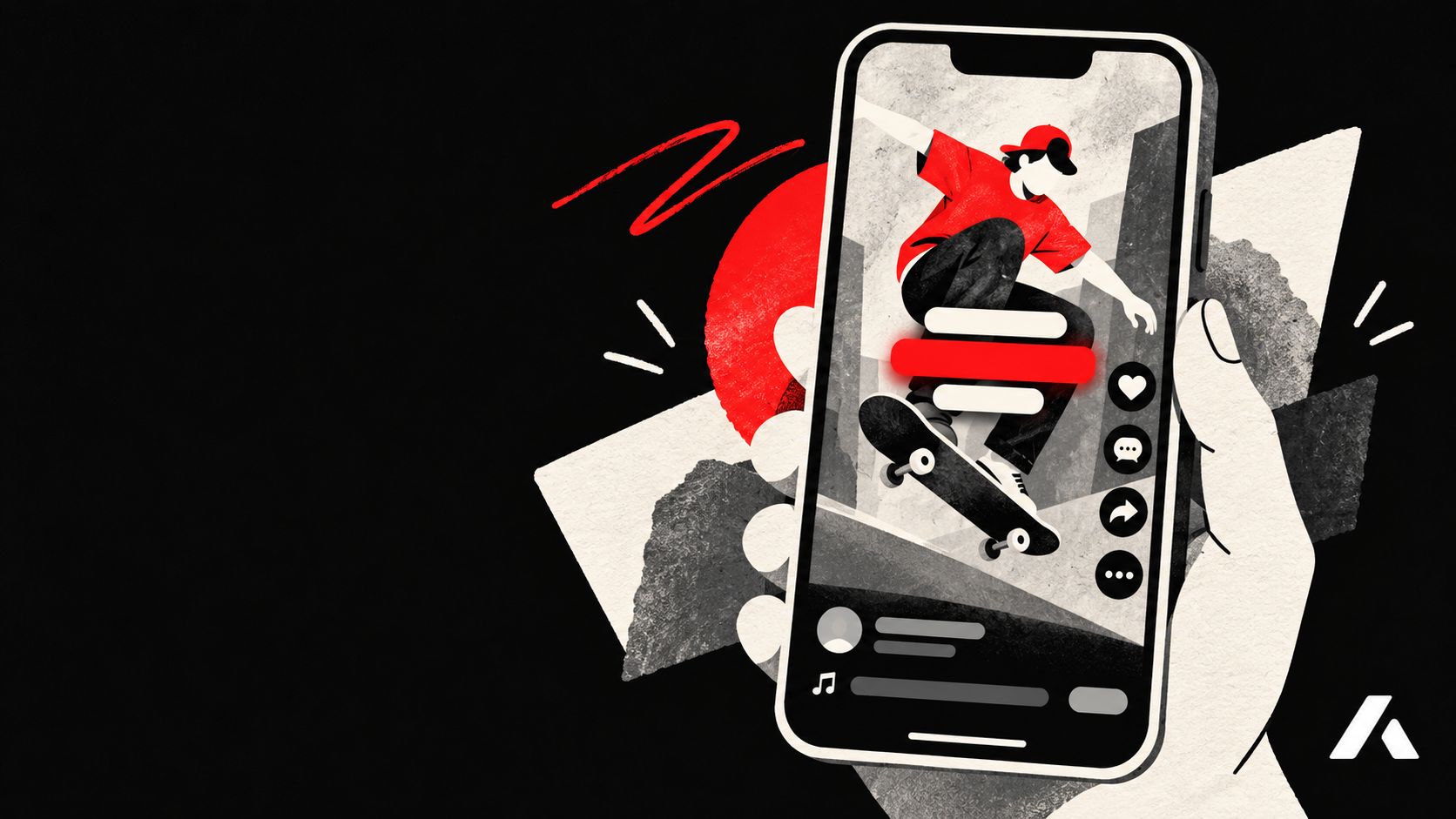
YouTube Shorts has a cluttered user interface. The right side is occupied by the like, comment, and share buttons, while the bottom is covered by your channel name, video title, and the audio track information. If you place important visual elements or text in these areas, they will be unreadable.
To fix this, captions must live in the "safe zone"—the middle of the frame. Aificient Studio provides optional burned-in, word-level captions with precise position, font, size, and color controls. The caption timings come from a small paid transcription of the AI narration, but re-burning those captions to adjust their position or try a new look is completely free as long as the narration itself does not change. This makes it easy to perfectly center your text for YouTube's layout.
Publishing and scheduling Shorts
Aificient Studio keeps generation and publishing in one app. After you connect your YouTube account, you can publish or schedule Shorts from the Studio publish dialog instead of moving files between tools.
Choose your finished 9:16 render, add your title and tags, set audience details, and choose a publication time. Scheduling lets you build a consistent cadence while you focus on the next script.
Monetization basics (YouTube Partner Program)
Monetizing Shorts requires joining the YouTube Partner Program (YPP). Check YouTube’s current eligibility requirements before you plan around a target, because thresholds and policies can change.
A critical hurdle for automated channels is YouTube's "Reused Content" policy. Channels that simply stitch together existing stock footage or re-upload other people's clips often get demonetized or rejected from the YPP. Because Aificient Studio generates completely original scenes for every single shot based on your specific script, your content is unique. Combined with a customized cloned voice and thoughtful scripting, your channel provides original value, keeping you on the right side of YouTube's monetization guidelines.
FAQ
Can I use AI voices for YouTube Shorts?
Yes. You can use preset named voices or clone your own voice from a couple of minutes of clean recordings. A cloned voice keeps your natural accent and adds a unique personality to your faceless channel.
Will YouTube monetize AI-generated content?
YouTube monetizes channels that provide original, transformative value. By generating original artwork and scenes for your specific story rather than reusing stock video, you create unique content that passes monetization reviews.
How long should my Short be?
YouTube Shorts can now be up to 3 minutes long (since October 2024). Aificient Studio allows you to generate videos in durations of 15, 30, 45, or 60 seconds, which are ideal lengths for maintaining high viewer retention.
Your move
Write the idea. Post the video.
One written line becomes a finished, original short — scripted, cast, voiced, and rendered — ready to post to TikTok, Reels & Shorts.
 A lone samurai leads the charge at dawn — cinematic, photoreal.