Generated concept
Above the Clouds
- Trailhead Sunrise
- Rocky Ridge
- Alpine Water
- Above the Clouds
- Summit Panorama
Write the idea.Post the video.

This line generated the video playing behind this page.
These are the real artifacts of one project — the line we typed, the script the AI structured, and the scene the GPU rendered. Nothing on this page is a mockup.
Most tools stop at export — you still open each app, retype the caption, hunt for a sound, and upload by hand. Aificient doesn’t. Pick your accounts across TikTok, Instagram Reels, and YouTube Shorts, drop a real trending sound, set the cover, and publish or schedule — without re-uploading anything by hand. It runs in your own session, signed in as you, so your platform passwords and logins never reach our servers.
TikTok, Instagram Reels & YouTube Shorts — all from one composer. Because it drives the real platform sites signed in as you, an occasional update keeps it in step when they change.
Auto-post AI videos to TikTok
Ever wonder why dogs wag their tails? 🐶 the answer is sweeter than you think. #dogsoftiktok #storytime #fyp
golden hour (slowed) · trendingPublished to TikTokfrom Aificient · just nowTwo finished originals from one faceless content engine — a live-action thriller and a 3D family film, produced end-to-end in Aificient Studio. Not reposted clips; original videos, built scene by scene. The only difference between them is one style choice.
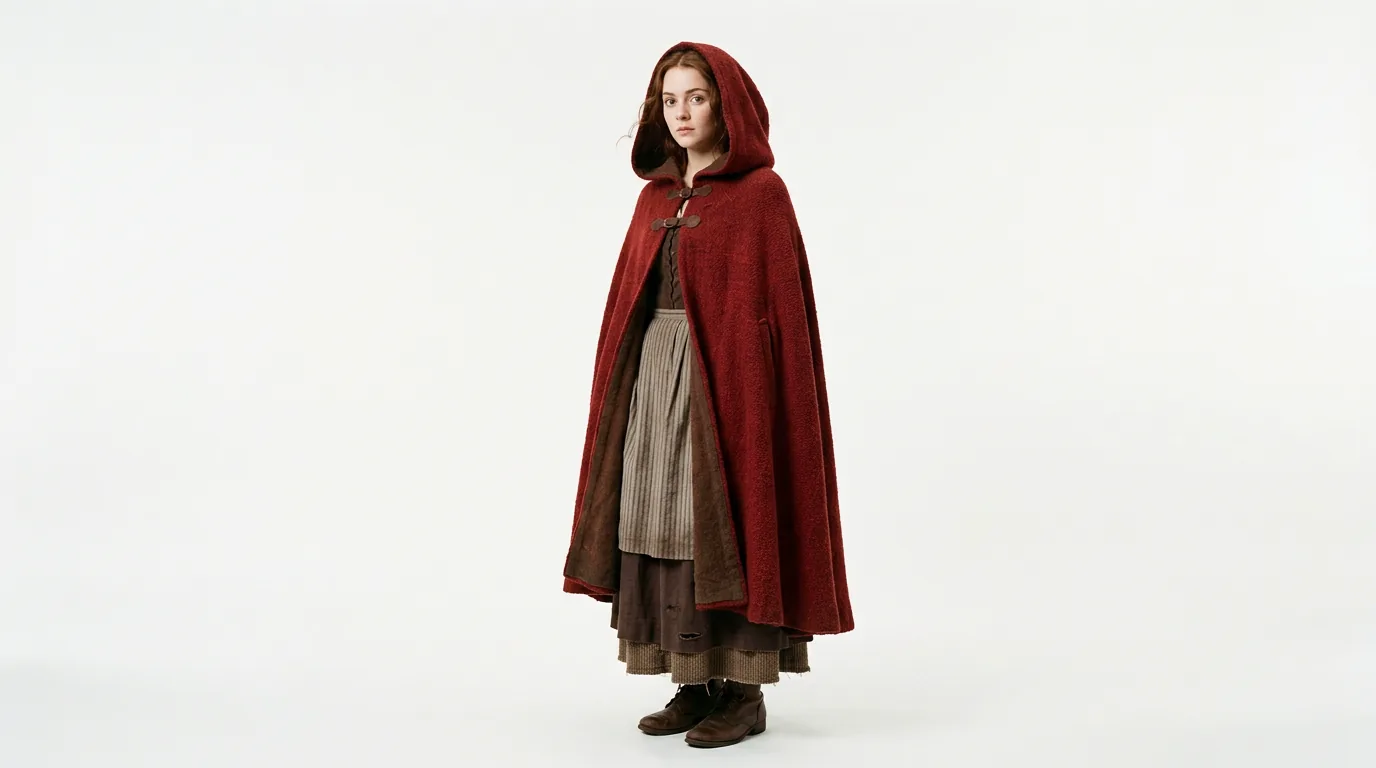 Red
Red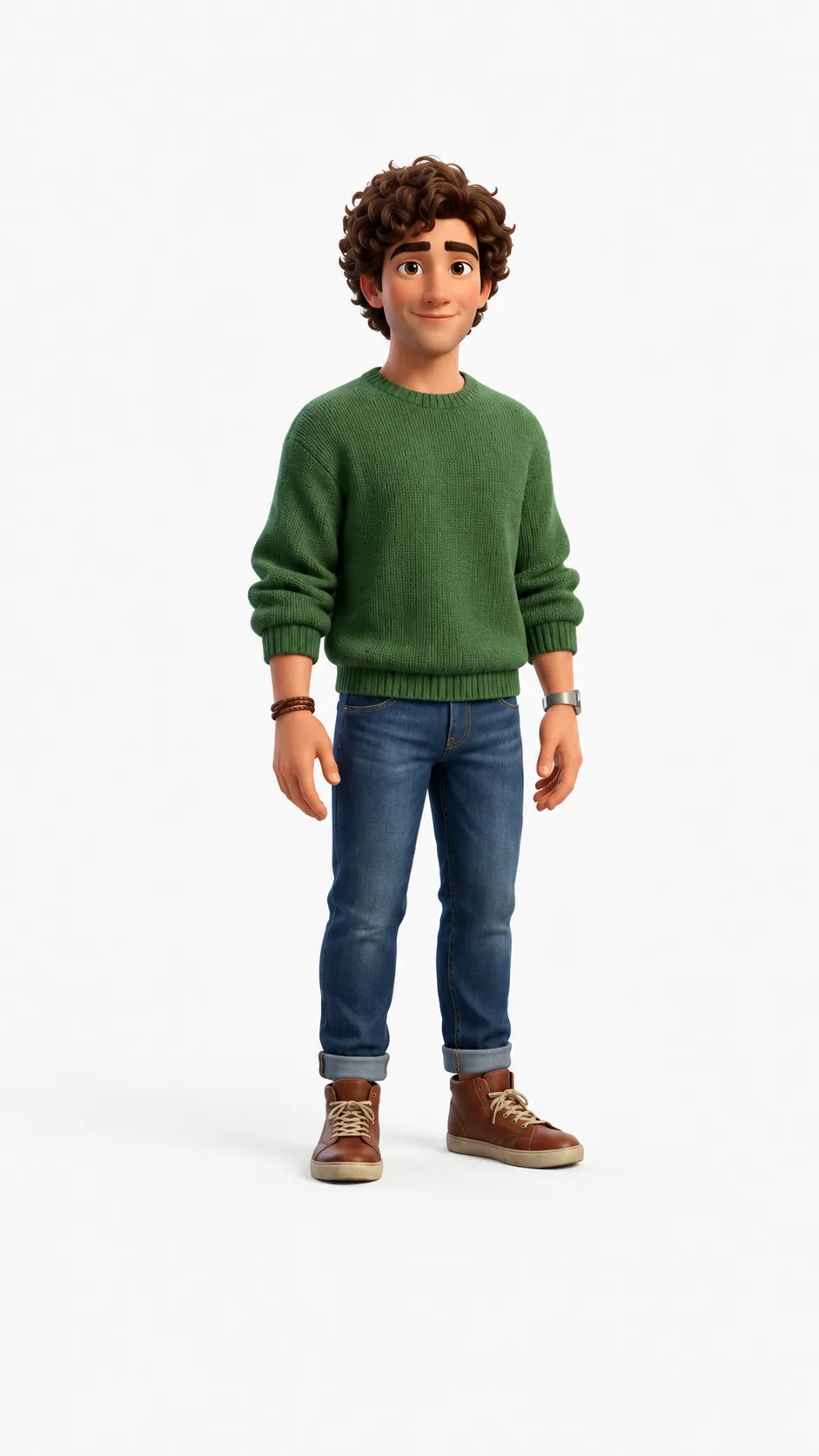 Mark
Mark Sunny
SunnyMainstream platforms charge over $5 for one minute of generated video. The same minute in Aificient, in Lite mode at 720p, costs about 30 cents — roughly 16× cheaper. Drag the dial: both till receipts re-tally live, so you can price a whole week in one go.
Drop in a couple of assets, describe the poster in one line, and Aificient designs it for you — layout, type, color. Then it brings it to life as a seamless animated loop. Nothing to upload? One sentence is enough. Already have the artwork? It gets animated exactly as it is.
Every frame below is the same shot — same kids, same tree, same river — re-imagined by a one-click preset that reshapes the writing and every visual with it.
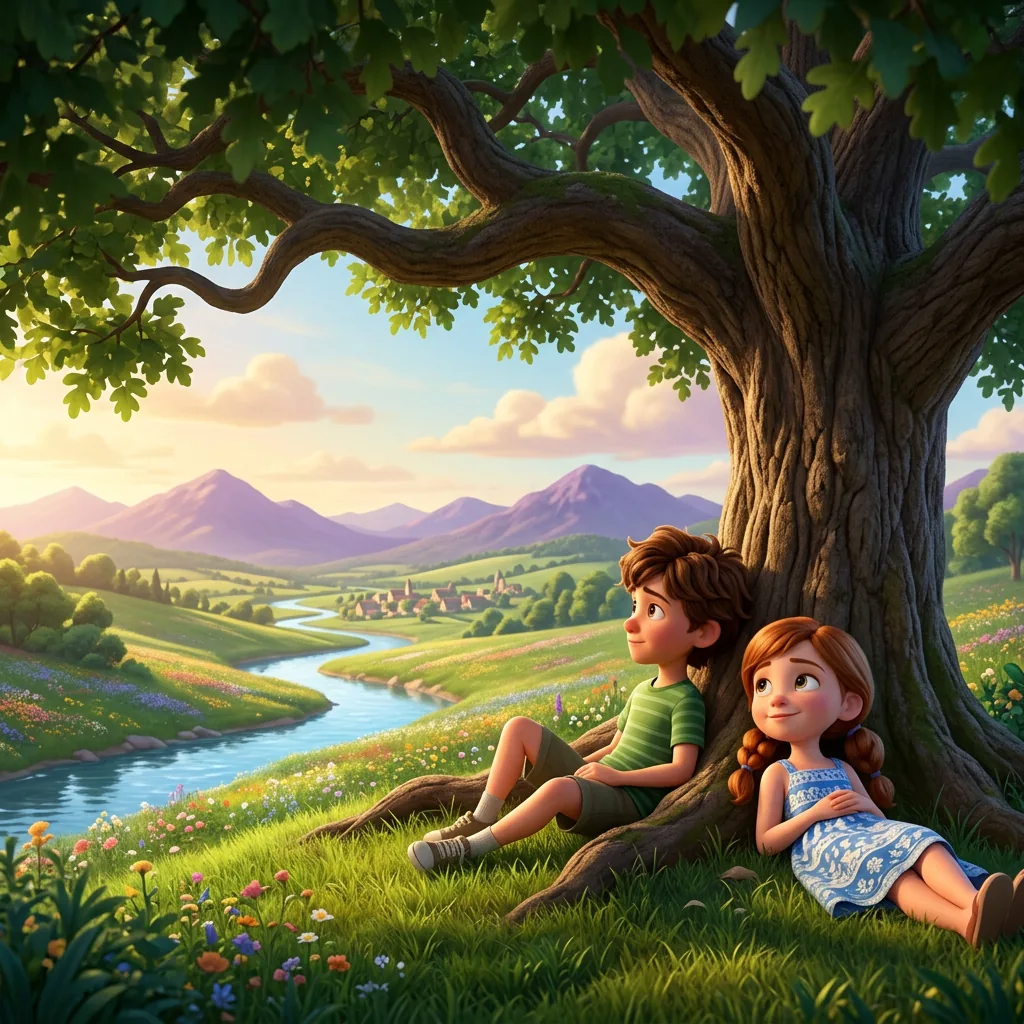
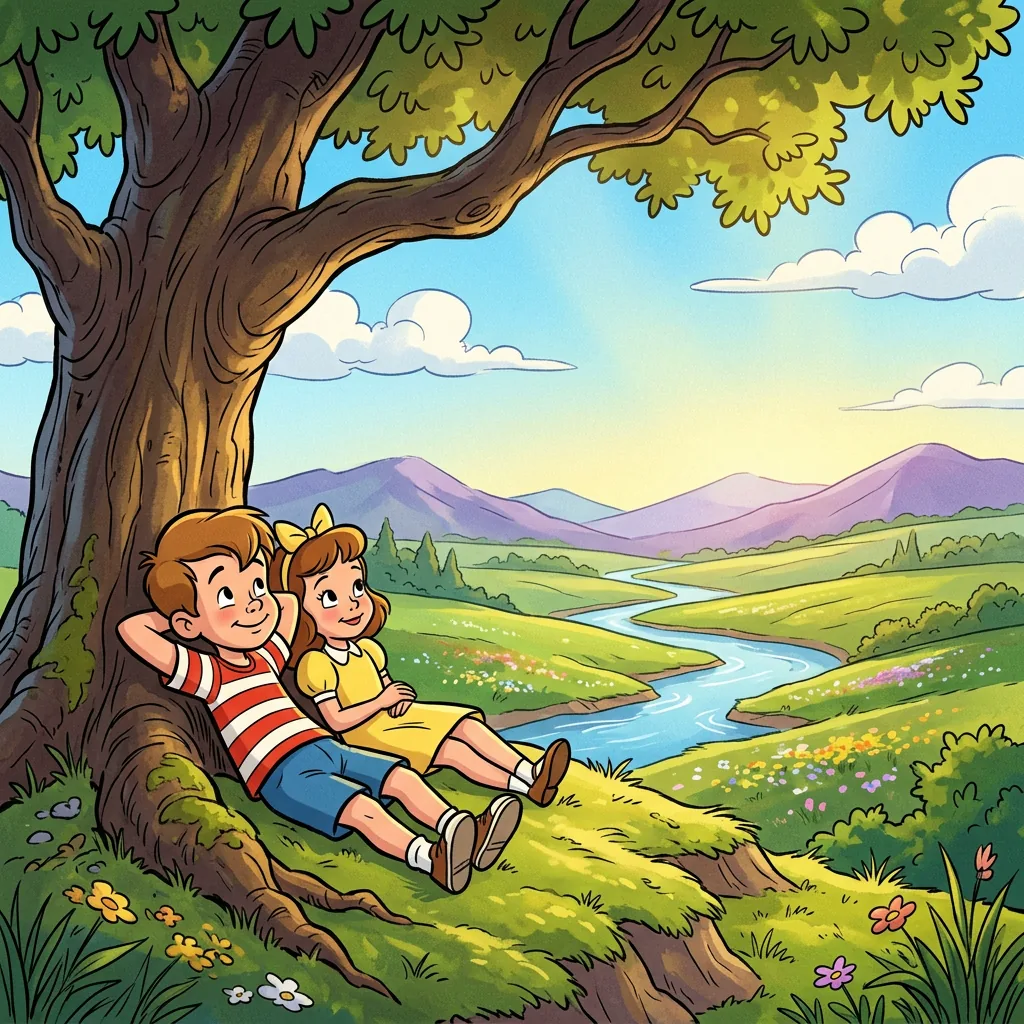

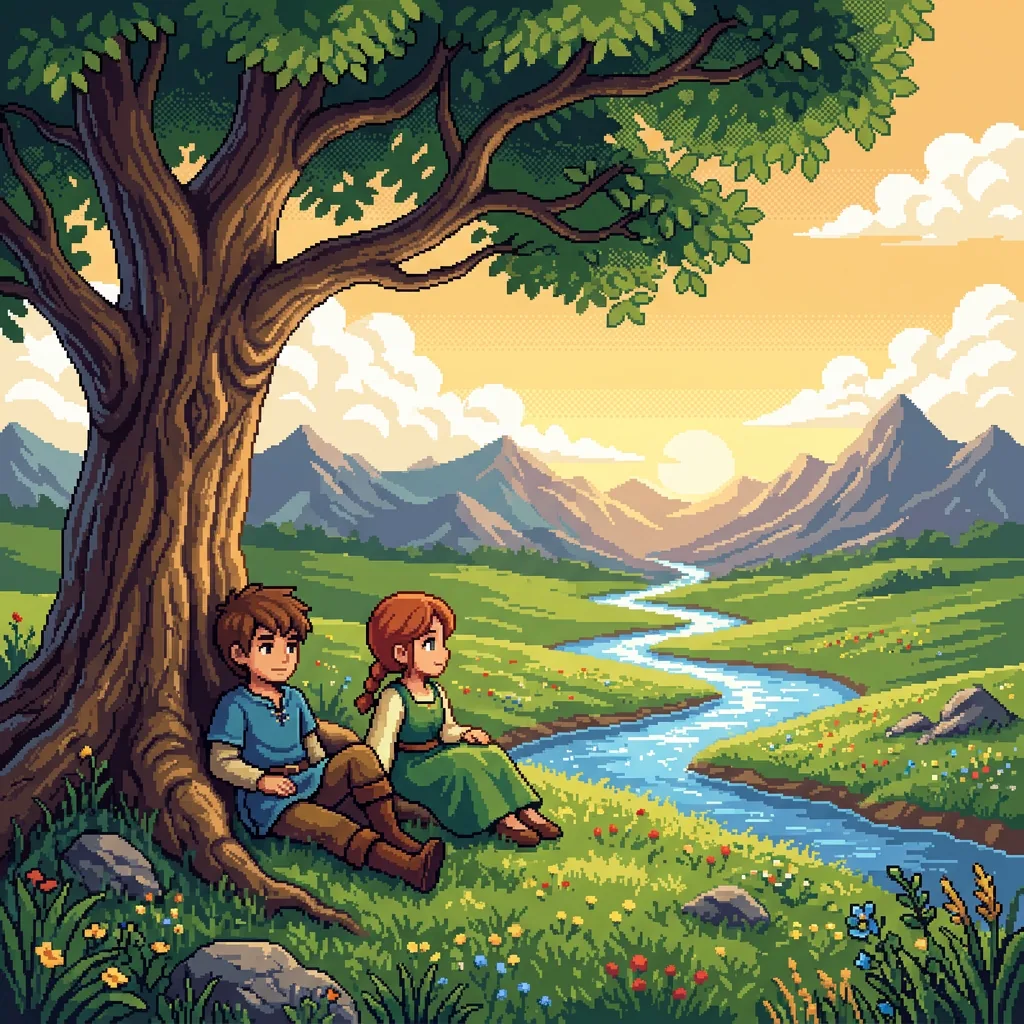
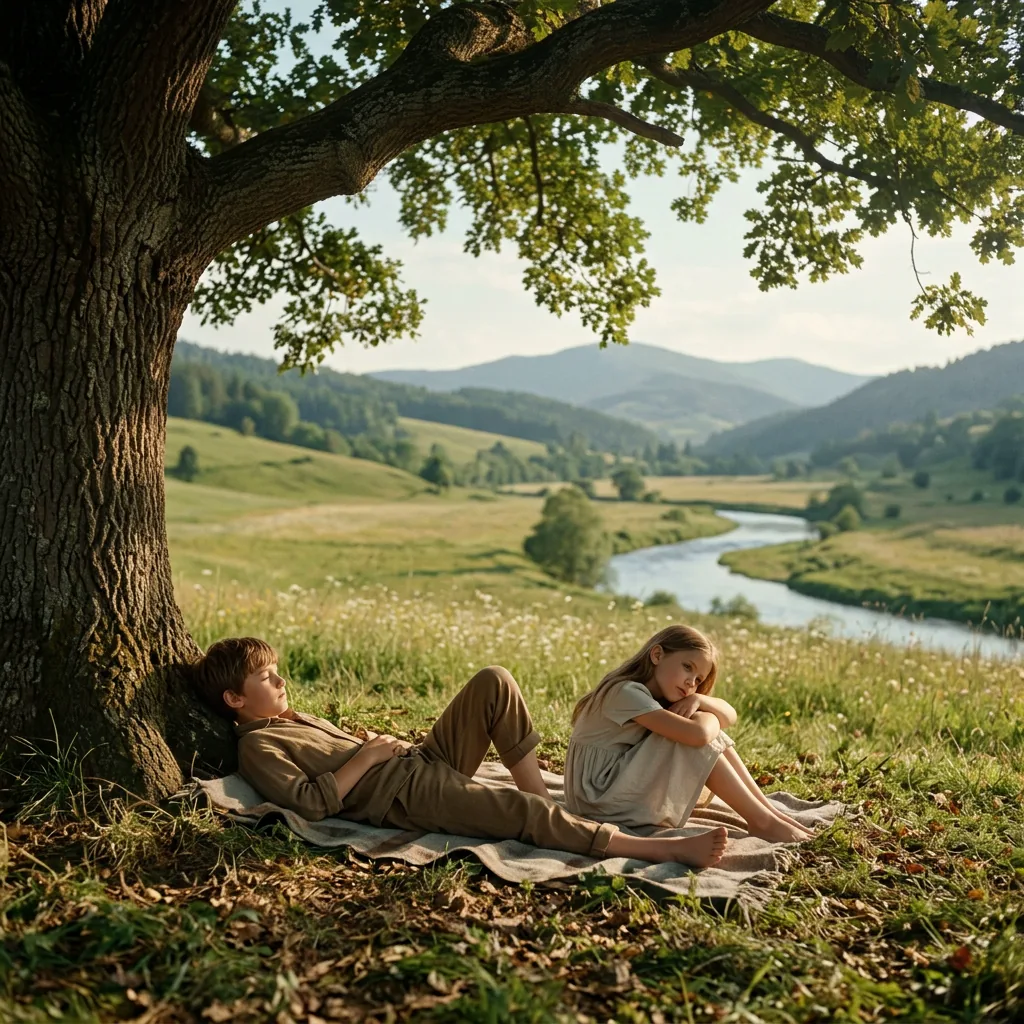
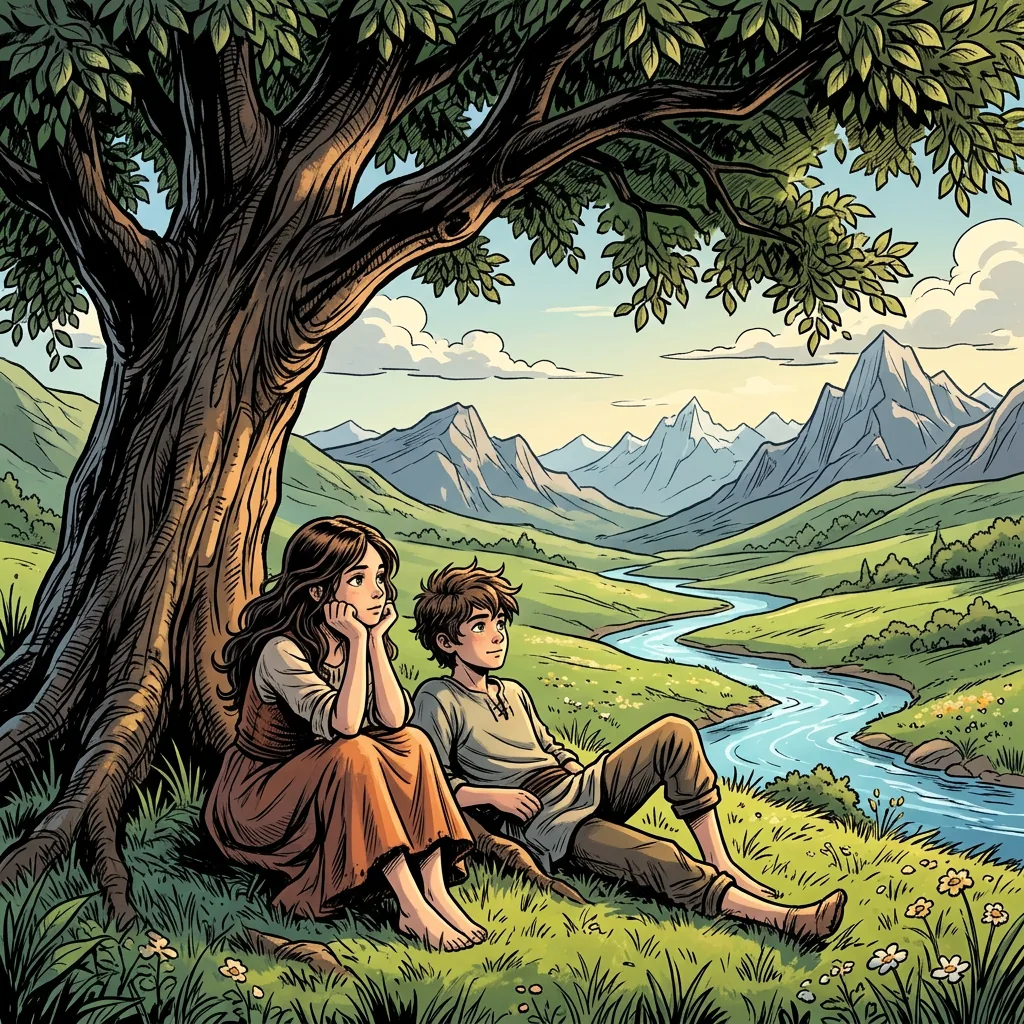





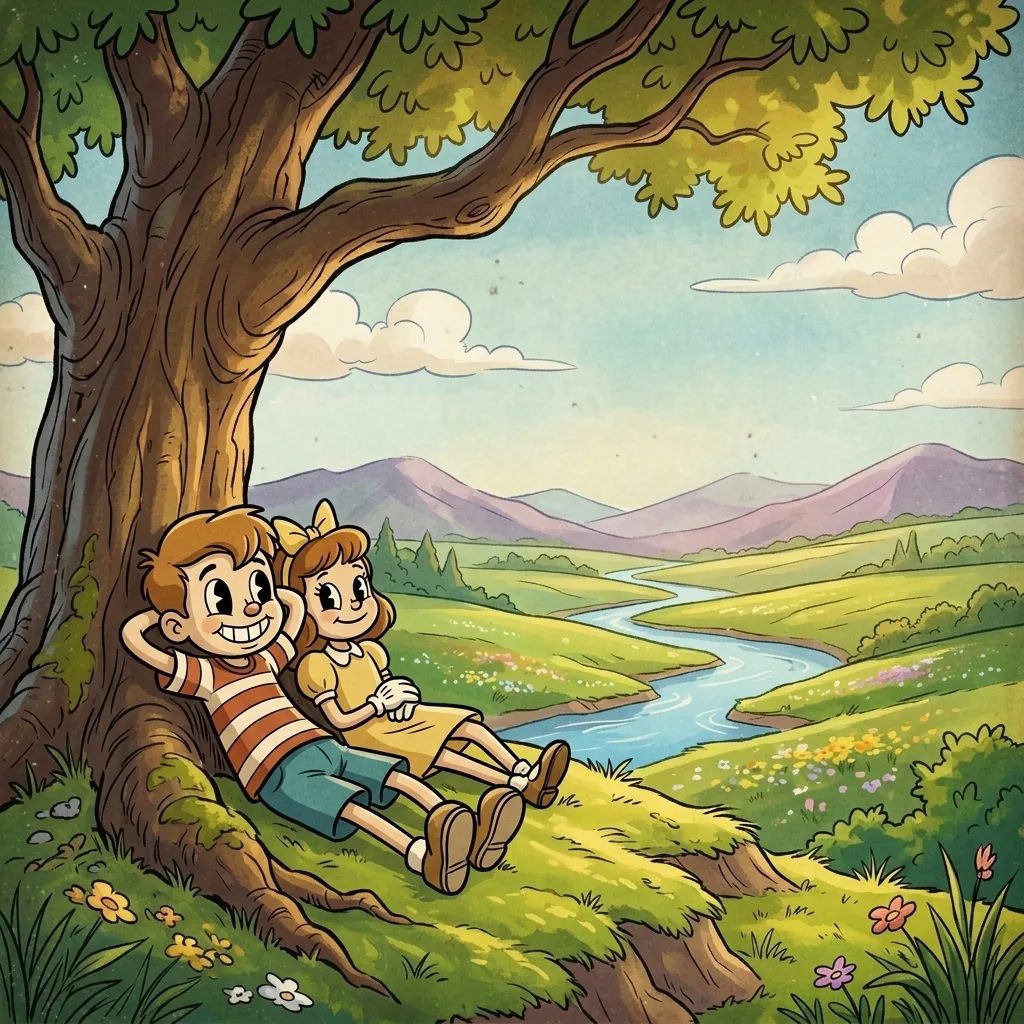 05 · Cinematic Realistic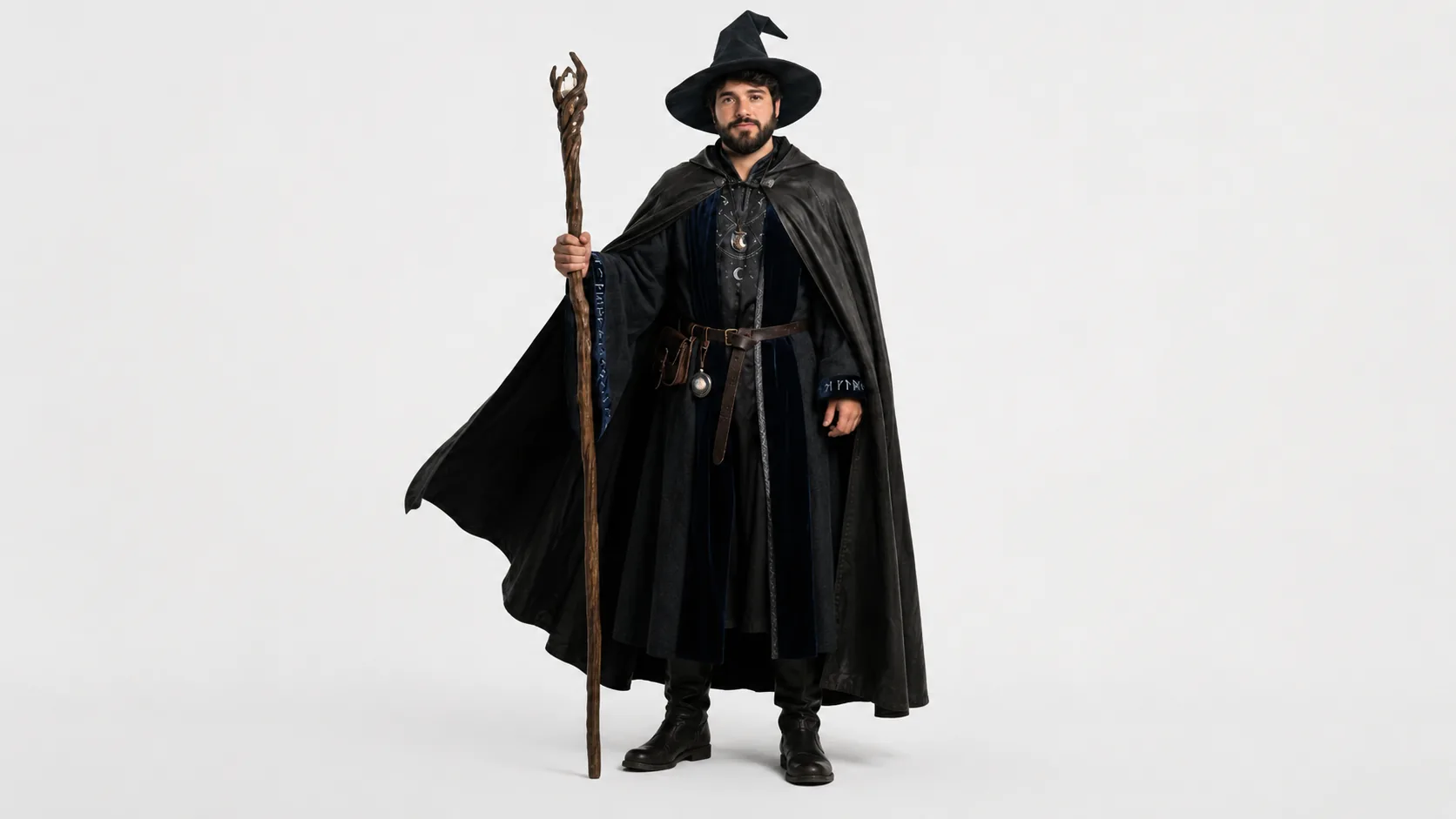
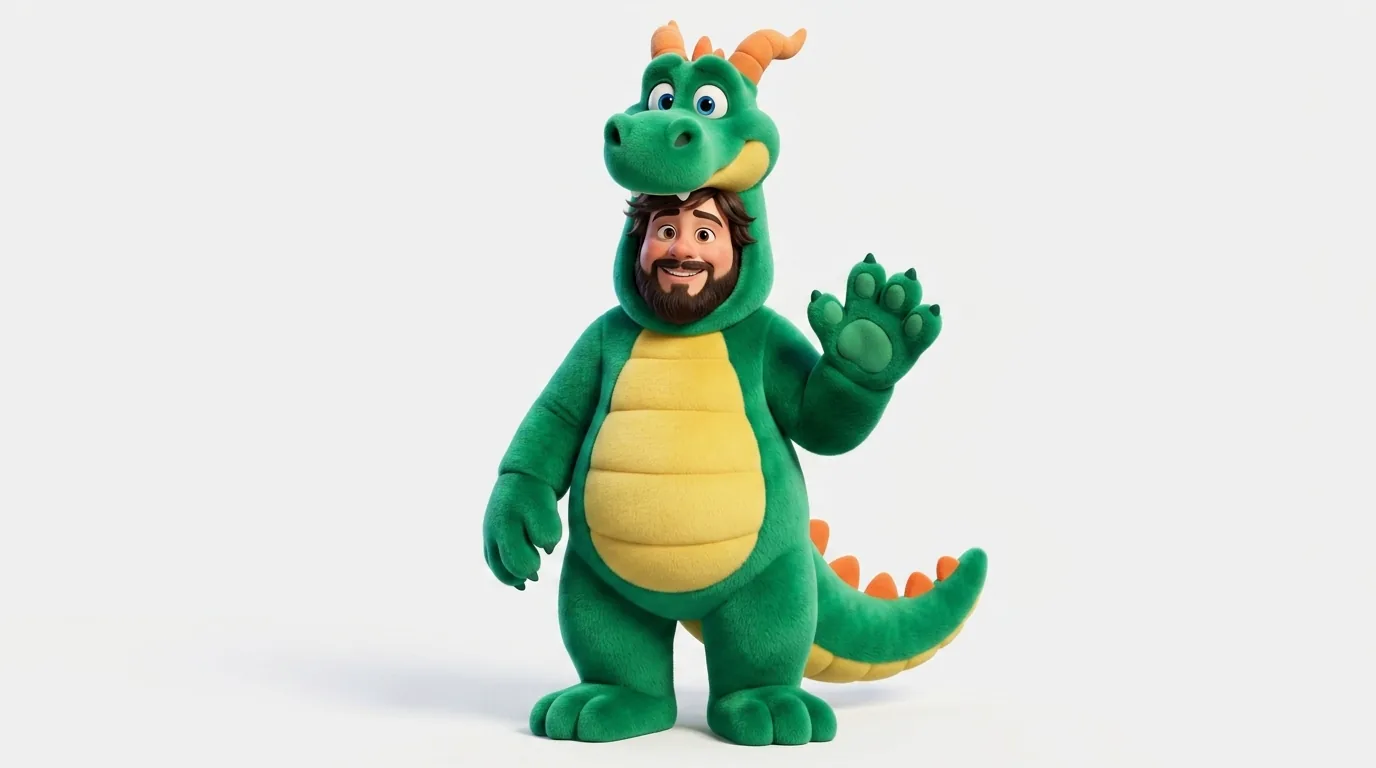
 Source
Upload a photo of a real person and Aificient redraws them as a stylized, reusable character — keep the likeness, change the costume, the species, or the whole universe. Pin them into every video so a faceless channel still has a face people follow, post after post.
Give each character its narrator: a library voice, or your own — cloned from a short recording. Every voice is cleared for all 15 languages.
Voice passportAIF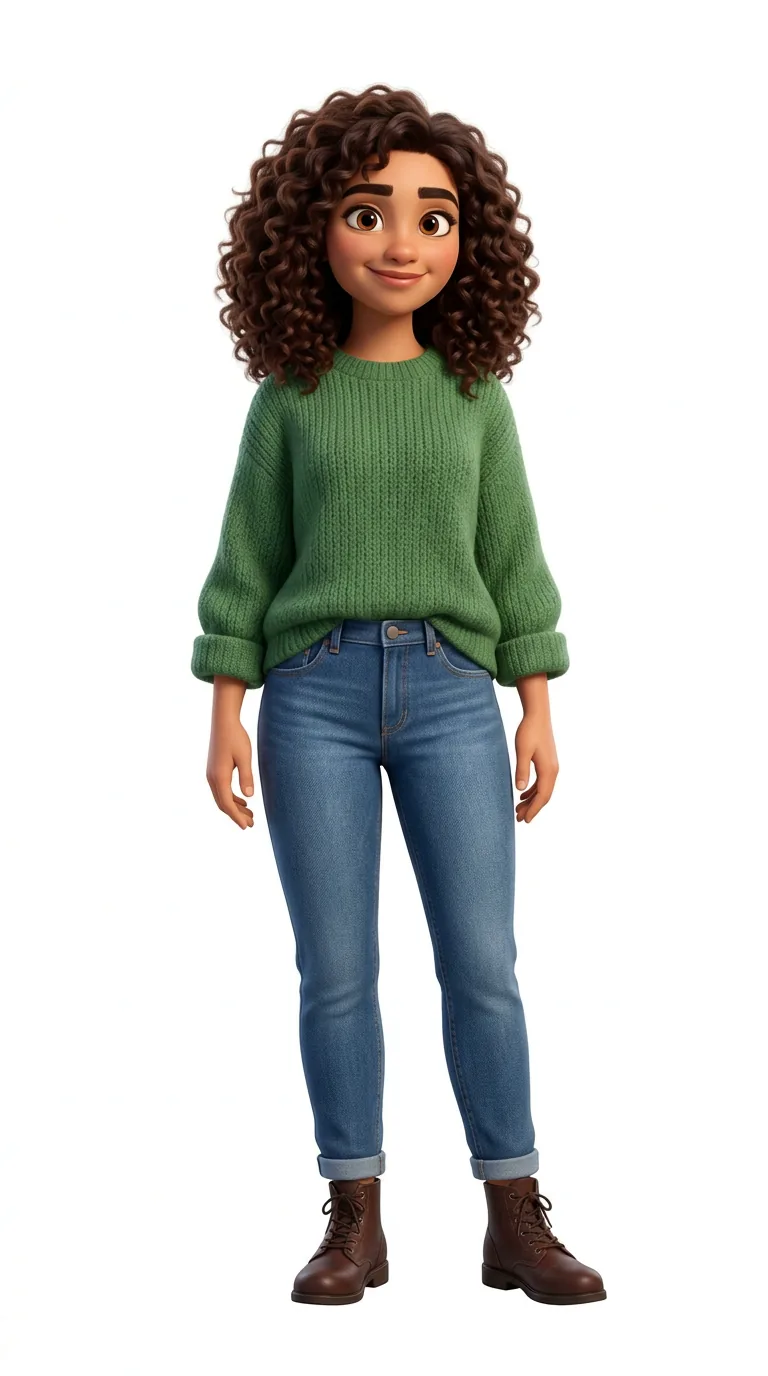
 Once upon a time…
 Érase una vez…
 كان يا ما كان…
 Er was eens…
 Il était une fois…
 Es war einmal…
 एक बार की बात है…
 Pada suatu hari…
 C'era una volta…
 むかしむかし…
 옛날 옛적에…
 Dawno, dawno temu…
 Era uma vez…
 Жили-были…
 Bir varmış, bir yokmuş…
Per scene you choose where it generates: your own GPU, a GPU you rent in the app (RTX 4090 from $0.40 an hour, RTX 5090 from $0.70, H100 from $2, billed by the second), or Aificient's generation cloud, available 24/7. This is what a real job looks like.
Not a lite version — the whole of Aificient Studio on iPhone and iPad, on the same account. And whatever your PC is rendering, you follow it live from your pocket.
 Requires iOS 17 or later.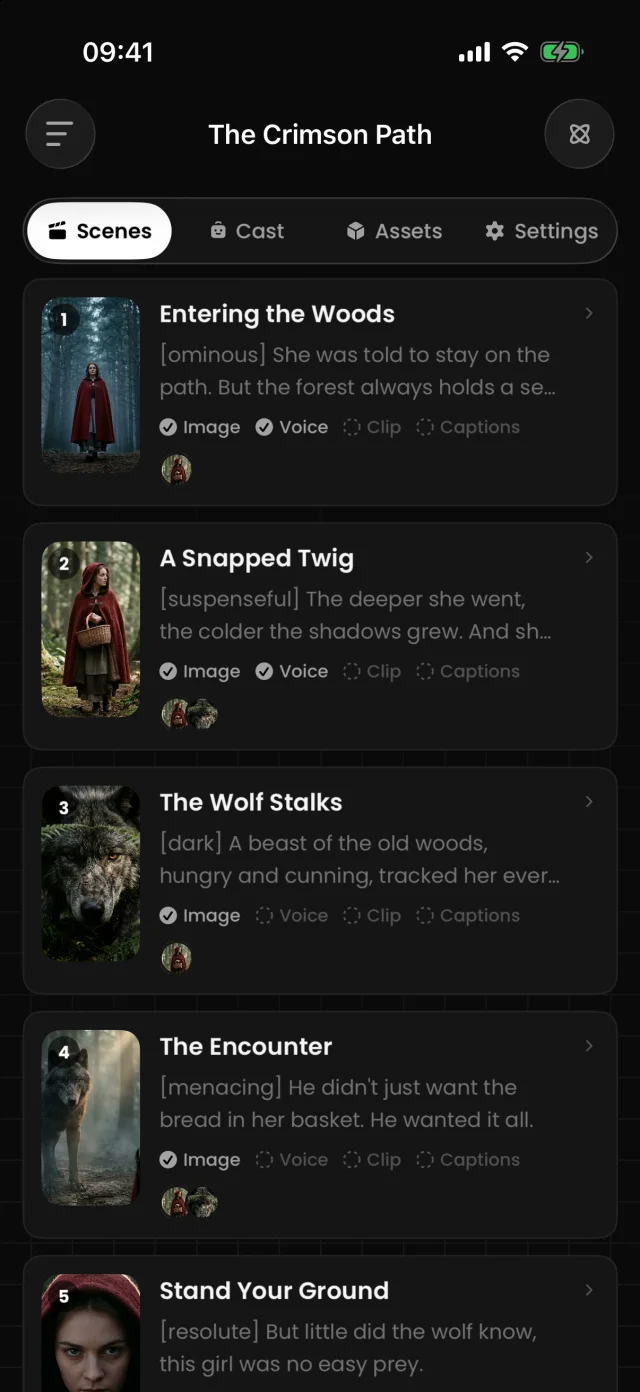
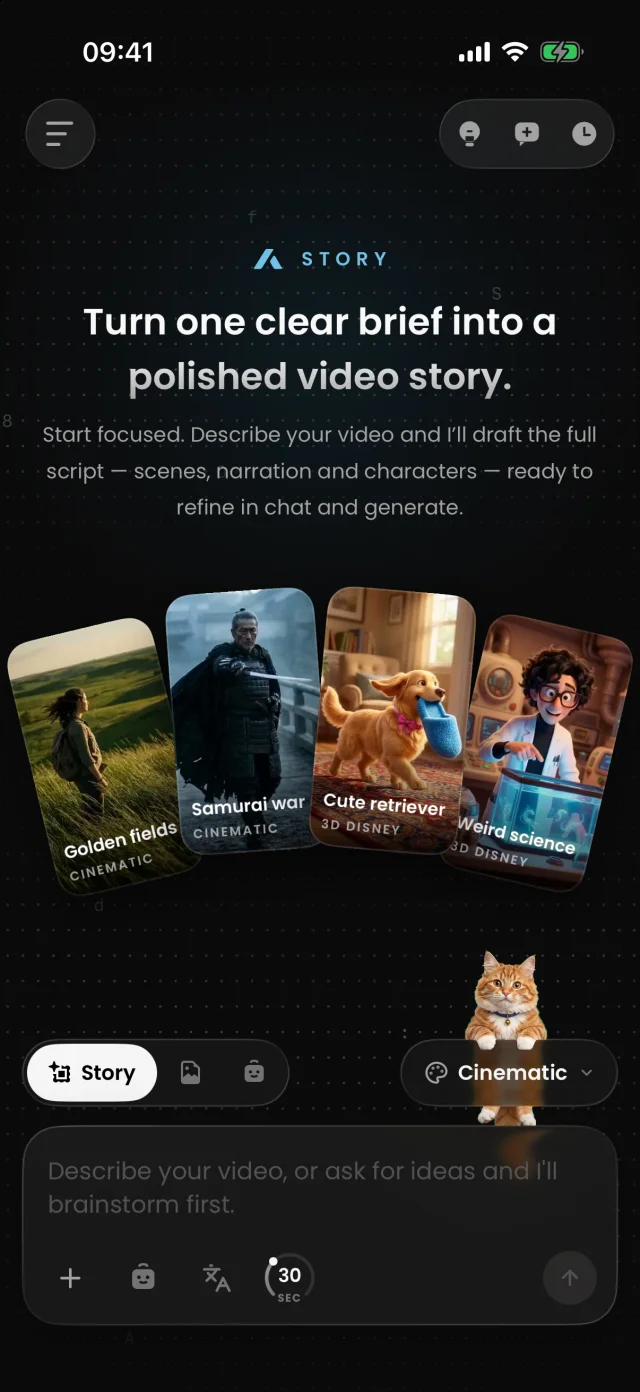
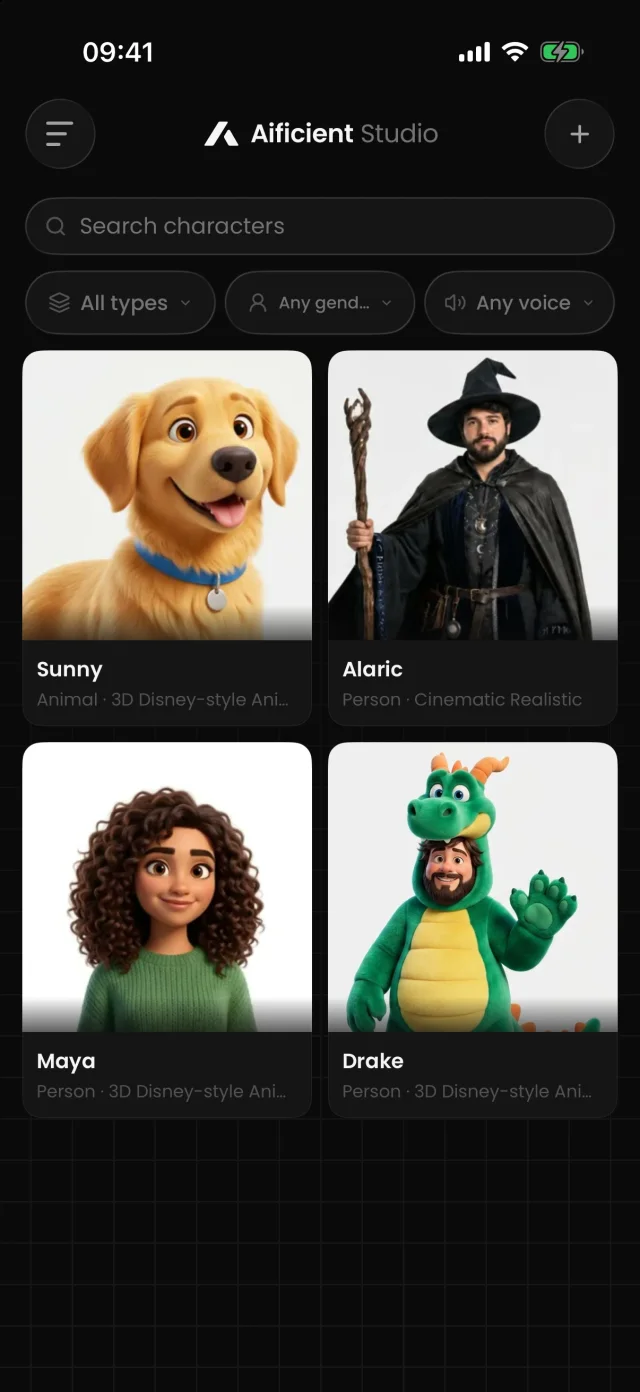
Every comment users have left so far, exactly as they wrote it.
6 ratings on There's An AI For That, not counting the founder’s own.No App Store ratings yet. Rate the iPhone app
Been playing around with this app and I’m genuinely impressed 😂 Give it an idea, add real photos as character references, and it turns it into a full video. And the posters/visuals? Seriously top quality. Didn’t expect it to be this good.very easy to usee!!! the quality is insaneAmazing appVery cool app, very cheap and the fact that you can gen and post directly into TT is very useful and saves some time hahaha. Cheers for that! 🥂This app is a great help for creating videos; I've been quite surprised by its quality and speed. Congratulations!Okey, this is actually pretty cool 🎆Been playing around with this app and I’m genuinely impressed 😂 Give it an idea, add real photos as character references, and it turns it into a full video. And the posters/visuals? Seriously top quality. Didn’t expect it to be this good.Very cool app, very cheap and the fact that you can gen and post directly into TT is very useful and saves some time hahaha. Cheers for that! 🥂very easy to usee!!! the quality is insaneThis app is a great help for creating videos; I've been quite surprised by its quality and speed. Congratulations!Amazing appOkey, this is actually pretty cool 🎆Sign up for free credits — enough to make a first video and see the quality — plus a trial on the Standard plan. After that, continued use requires a subscription, including when you generate video locally. Each plan includes a monthly credit allowance and storage.
How it works, what it costs and where it posts — the short answers, before you make your first faceless video.
Aificient Studio turns a written idea into a finished video — use it in your browser at app.aificient.io or as a desktop app for Windows and macOS. It structures your idea into a concept and script, generates reusable characters and scene images, adds narration and sound effects, burns in styled captions, and stitches the final cut — all in one canvas, on your own GPU or a rented one.
Try it for free — post your first original short tonight.