How to Create a Consistent AI Character for Videos
Learn how to create and maintain a consistent AI character across multiple videos to build a recognizable brand and grow your faceless channel.
 SabinoCEO6 min readUpdated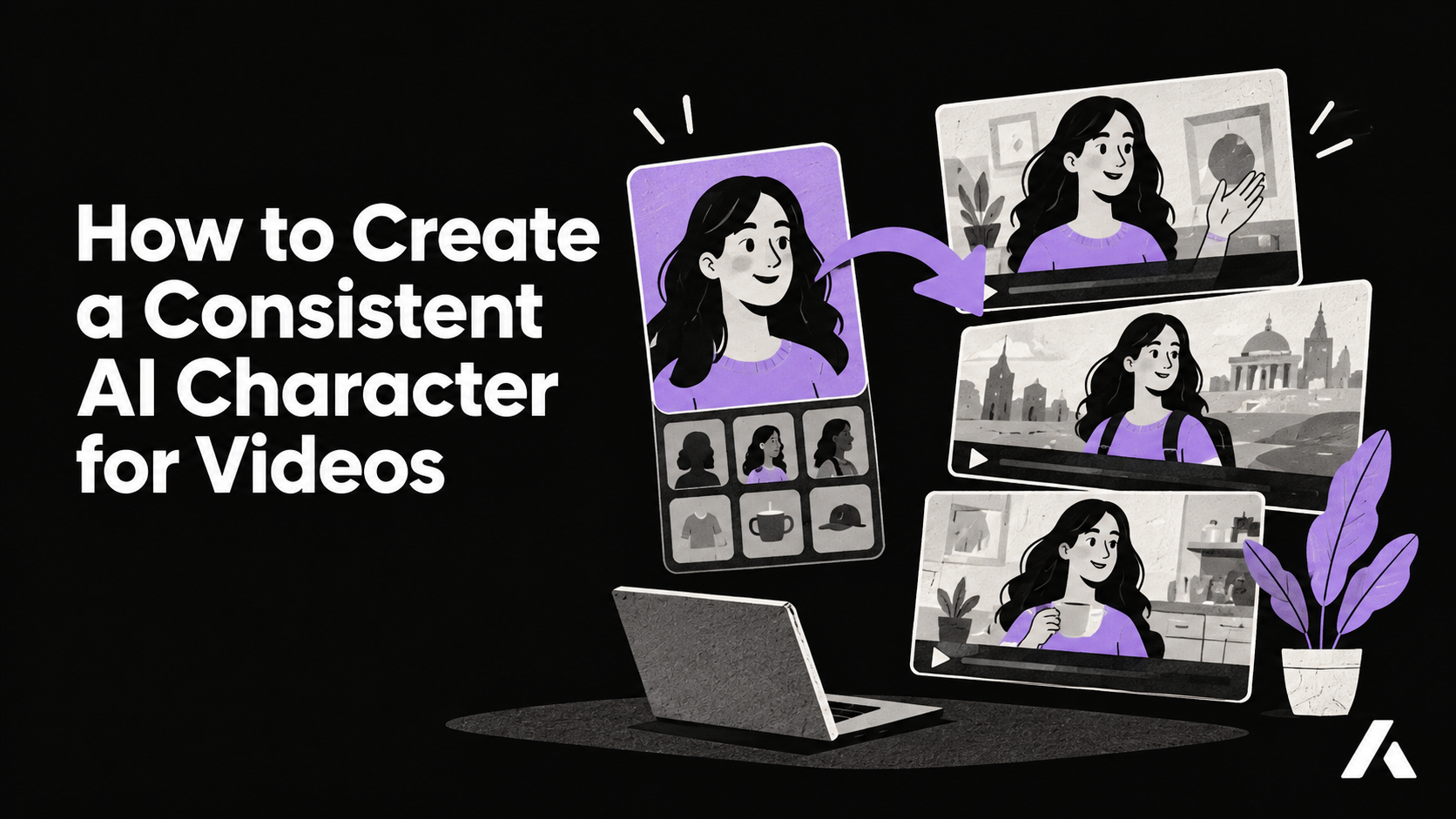
On this page
Generative AI is notoriously bad at remembering faces. If you have ever used a standard AI video generator to create a recurring character, you know the frustration. In shot one, your protagonist has sharp features and a leather jacket. By shot three, their bone structure has completely morphed, and they look like a different person entirely.
For content creators building a brand, this lack of consistency is a dealbreaker. Audiences connect with recognizable faces. Whether you are running a faceless channel, producing a serialized narrative, or creating educational explainers, your viewers need to recognize your host instantly. Without character consistency, you are posting isolated, disjointed clips rather than building an enduring intellectual property.
Moving Beyond Prompt Engineering
Historically, creators have tried to solve the consistency problem by using complex seed numbers, highly specific naming conventions, or multi-step workflows. These methods usually involve generating a static face in one application, animating it in another, and compositing it in a third. This export-then-upload pipeline is tedious and breaks down the moment you need your character to turn their head, show emotion, or interact with a new environment.
Instead of relying on fragile text prompts to hold a likeness together across different clips, modern tools approach this at the architectural level. By establishing a reusable cast member before the storyboard is even generated, you can lock down the identity and let the AI handle the environmental variables.
How to Build a Reusable AI Cast
The most reliable way to maintain a persistent identity across a video series is to anchor it to a real reference. Using Aificient Studio, a native desktop app designed for end-to-end video creation, you can bypass the prompt-engineering guessing game entirely through its Reusable AI Cast feature.
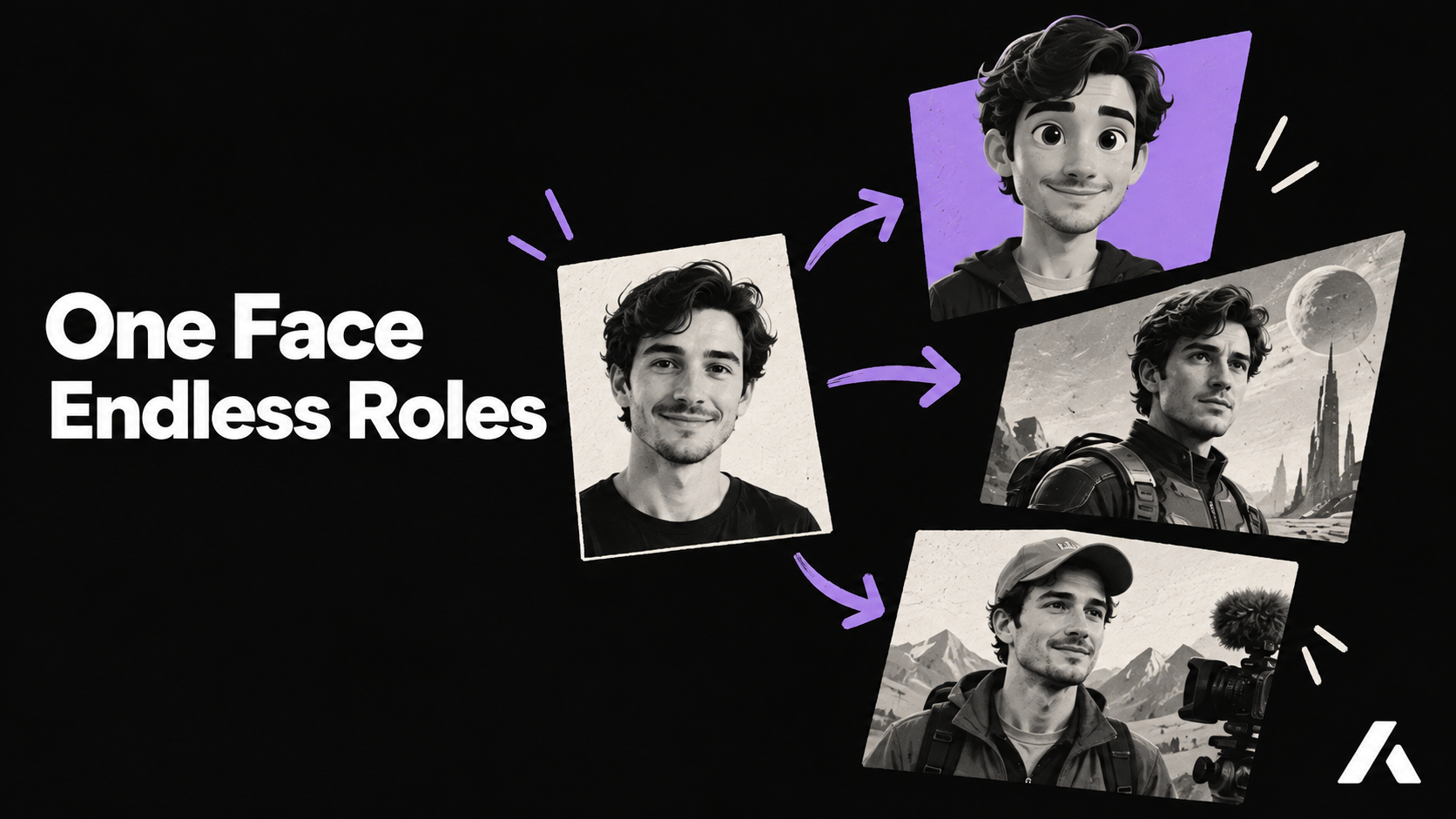
- Start with a clear reference: Upload a single, high-quality photo of a real person. This serves as the anatomical anchor for your character's facial structure.
- Apply your stylized look: The AI redraws the reference photo into a stylized, reusable character. You maintain the underlying likeness but can dictate the aesthetic—whether that is a photorealistic cinematic style, a 3D animation look, or a specific artistic genre.
- Adapt the universe: Once the likeness is captured and pinned, you can change the character's costume, environment, or even their species, while preserving the core face that your audience will recognize.
Directing Your Character in a Scene
Having a consistent face is only half the battle; that character still needs to act within a narrative. Rather than generating isolated clips and hoping they stitch together in editing software, you need a pipeline that understands story structure.
When you type a single concept line into Aificient Studio, the AI generates a structured concept and breaks it down into a storyboard of cinematic scenes. Because your character is already pinned to the project, the engine automatically inserts them into every relevant shot. The system generates original vertical video specifically for your story—not repurposed stock footage—meaning your character interacts natively with the lighting, camera angles, and action of the specific shot.
Common Mistakes When Creating AI Characters
Even with advanced tools, creators often make a few structural errors when designing their cast. Keep these pitfalls in mind to ensure the highest quality output:
- Using an over-stylized base photo: If your reference image already has heavy filters, sunglasses, or dramatic, unnatural lighting, the AI struggles to isolate the core facial features. Always start with a neutral, evenly lit photograph.
- Over-prompting the scene: When you have a pinned character, you do not need to describe their physical appearance in every scene prompt. Let the reusable cast feature do the heavy lifting, and focus your scene prompts on action, emotion, and environment.
- Ignoring audio consistency: Visual consistency must be paired with audio consistency. If your character sounds like a generic robot in one video and a booming movie trailer announcer in the next, the illusion breaks. Ensure you lock in a specific AI narration profile alongside your visual character.
Streamlining the Publishing Workflow
Once your consistent character is starring in high-quality shorts, complete with AI voiceover and styled word-level captions, the final hurdle is distribution. Managing multiple faceless channels often requires downloading heavy video files, transferring them to a phone, and manually uploading them to various apps.
You can eliminate this friction by keeping the publishing process inside your creation environment. Aificient Studio allows you to connect your accounts and schedule posts directly to TikTok, Instagram Reels, and YouTube Shorts from a single composer. You can generate an AI caption in your saved tone, attach trending sounds from TikTok's catalog, pick the perfect cover frame, and queue the uploads. Your Publish History tracks past and queued posts, and uploads continue even if you close the window.
Because the app runs natively on your Windows or macOS machine, the publishing runs securely through your own signed-in sessions on your device. Your platform logins never touch Aificient's servers, and your projects live in a secure, EU-hosted account that is never used to train models.
Start Building Your Channel's Star
Creating a consistent AI character transforms your content from a novelty into a recognizable brand. By anchoring your protagonist with a reference photo, pinning them to a structured storyboard, and managing the entire pipeline from generation to publishing in one place, you can build a loyal audience without ever stepping in front of a camera.
Your move
Write the idea. Post the video.
One written line becomes a finished, original short — scripted, cast, voiced, and rendered — ready to post to TikTok, Reels & Shorts.
 A lone samurai leads the charge at dawn — cinematic, photoreal.