How to Make Faceless TikTok Videos with AI (2026 Guide)
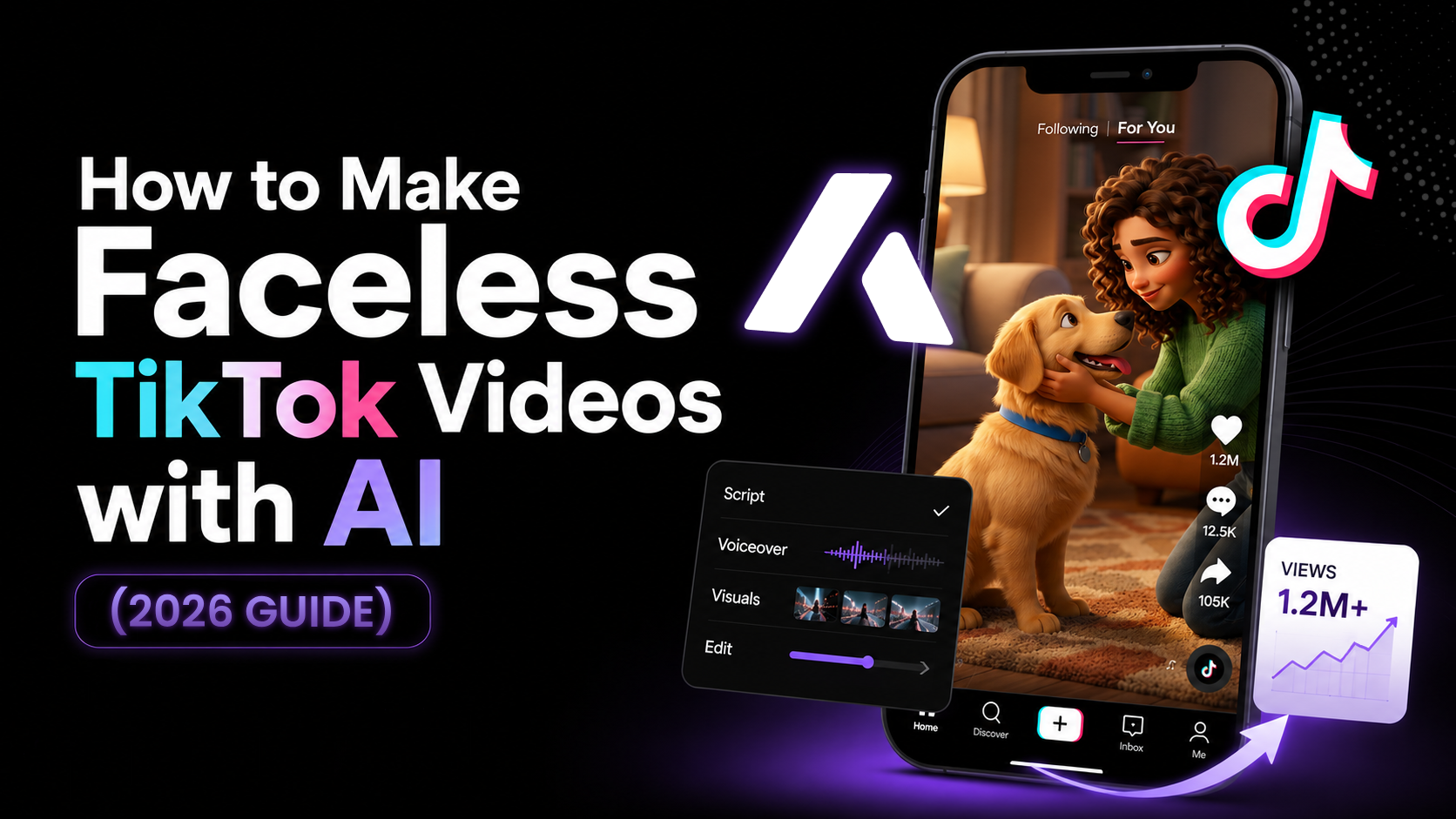
Faceless TikTok channels have become one of the most accessible ways to build an audience and monetize content without ever stepping in front of a camera. But as the platform matures in 2026, the old formula of stitching together generic stock footage with robotic text-to-speech no longer cuts it. Viewers demand higher quality, original visuals, and engaging storytelling.
To stand out, modern creators are leveraging AI to generate completely original, cinematic content at scale. This guide covers the end-to-end process of building a successful faceless channel—from finding your niche and creating a consistent AI persona, to generating original scenes and scheduling your posts automatically.
1. Pick a Highly Engaging Niche
Before generating a single frame, you need a clear focus. The TikTok algorithm favors accounts that consistently post around a specific theme. When viewers know exactly what to expect from your channel, they are far more likely to follow.
- Science and Space Explainers: High-retention topics covering black holes, deep ocean mysteries, or futuristic technology.
- Historical Mysteries: Bite-sized documentaries about unsolved historical events, lost cities, or ancient myths.
- True Crime and Reddit Stories: Narrative-driven formats that rely heavily on strong pacing, suspenseful audio, and dramatic visuals.
- Motivation and Philosophy: Stoic quotes, financial advice, or daily habits visualized with cinematic, moody imagery.
2. Establish a Consistent AI Character
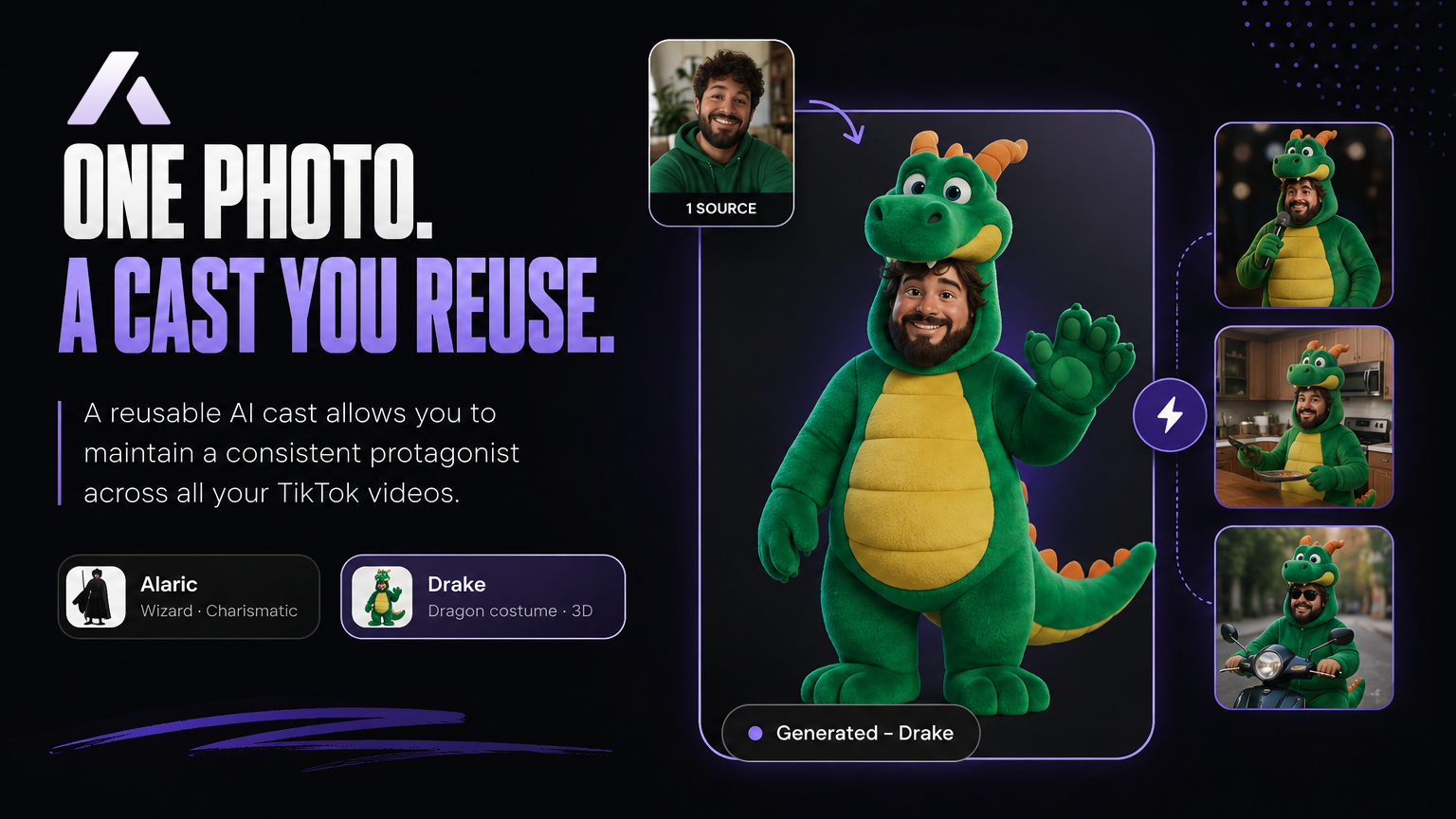
The biggest flaw of early AI video generation was inconsistency. A character would look completely different in shot two than they did in shot one, breaking viewer immersion. Today, establishing a recurring "host" or protagonist is the secret to building parasocial relationships on a faceless channel.
Using a faceless video generator like Aificient Studio, you can create a reusable AI cast. By uploading a photo of a real person, the app redraws them as a stylized character. You retain their likeness while changing their costume, species, or the entire universe they inhabit. Pinning this consistent face into every video gives your audience a recognizable persona to follow, even if you remain anonymous behind the screen.
3. Generate Original Scenes (Not Stock)
Audiences have learned to scroll past generic B-roll. To capture attention in the first three seconds, your visuals must be tailored exactly to your script. Instead of hunting for pre-existing clips that 'sort of' match your audio, you can generate bespoke shots.
With an AI TikTok video generator, the workflow is streamlined into a single pipeline. You type one written line or concept, and the AI automatically writes a structured script and breaks it down into a cinematic storyboard. From there, it generates original scenes for every shot. Because the pipeline supports multiple genres—from photoreal live-action to 3D animation and nature documentaries—you can match the visual style perfectly to your chosen niche.
Rendering these high-quality scenes used to require massive cloud fees. However, modern desktop apps allow you to render directly on the GPU you already own at no extra cost. If you are working on a laptop without a heavy graphics card, Aificient Studio can attach an on-demand cloud GPU billed by the second (roughly $0.18 per minute of compute), making it a highly cost-effective local AI video generator.
4. Master Audio and Word-Level Captions
Sound design and on-screen text are just as important as the visuals on TikTok. A significant portion of users watch videos with the sound off or at low volume, making captions non-negotiable for retention.
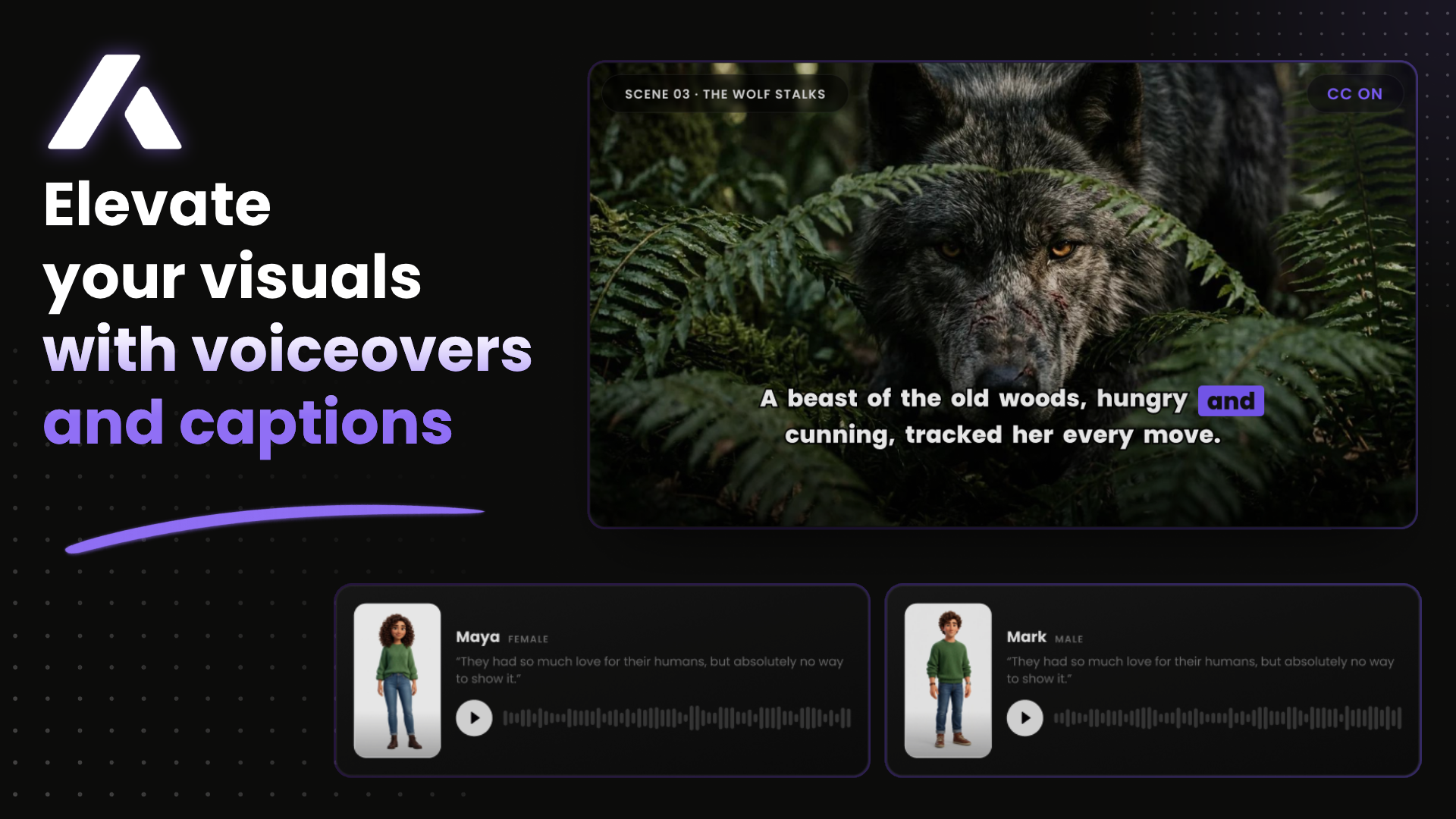
- Dynamic Captions: Use styled, word-level captions burned directly into the video. Highlighting the current word keeps the viewer's eyes anchored to the center of the screen.
- AI Narration: Choose a voice that fits your niche. A deep, serious tone works for true crime, while an energetic, upbeat voice suits science explainers.
- Sound Design: Add atmospheric background noise and sound effects for transitions to make the generated scenes feel grounded and immersive.
5. Automate Your Publishing Pipeline
Consistency is the final piece of the puzzle. Managing a faceless channel often fails not because of bad content, but because the creator burns out from the tedious export-transfer-upload cycle. To scale effectively, your generation and publishing tools should live in the same environment.
Instead of exporting massive video files to your phone, use a built-in TikTok scheduler. From a single composer inside Aificient Studio, you can connect multiple accounts and post directly. The app generates an AI caption in your saved tone, adds relevant hashtags, and lets you attach a real trending sound from TikTok's catalog. You can publish immediately or queue up a week's worth of content, and the uploads will continue in the background even if you close the window.
Because this runs through your own signed-in sessions locally on your device, your platform logins never touch external servers, keeping your accounts secure and avoiding shadowbans associated with suspicious third-party cloud posters.
Start Building Your Channel Today
Creating a successful faceless TikTok channel no longer requires expensive stock subscriptions, complex video editing software, or a team of writers. By combining a consistent AI cast, original scene generation, and automated posting within a single native desktop app, you can focus on what actually matters: telling great stories and growing your audience.
Your move
Write the idea. Post the video.
One written line becomes a finished, original short — scripted, cast, voiced, and rendered — ready to post to TikTok, Reels & Shorts.
 A lone samurai leads the charge at dawn — cinematic, photoreal.