
AI TikTok video generator

AI TikTok video generator that posts straight to TikTok
One written line becomes a finished, original video — script, reusable AI cast, AI voices, and styled captions — then posts straight to TikTok, Instagram Reels, and YouTube Shorts. Any genre, from a single sentence. It runs locally on your Mac or PC.
Publish to TikTok, Instagram Reels & YouTube Shorts
Aificient Studio
The range
Any genre, from a single line
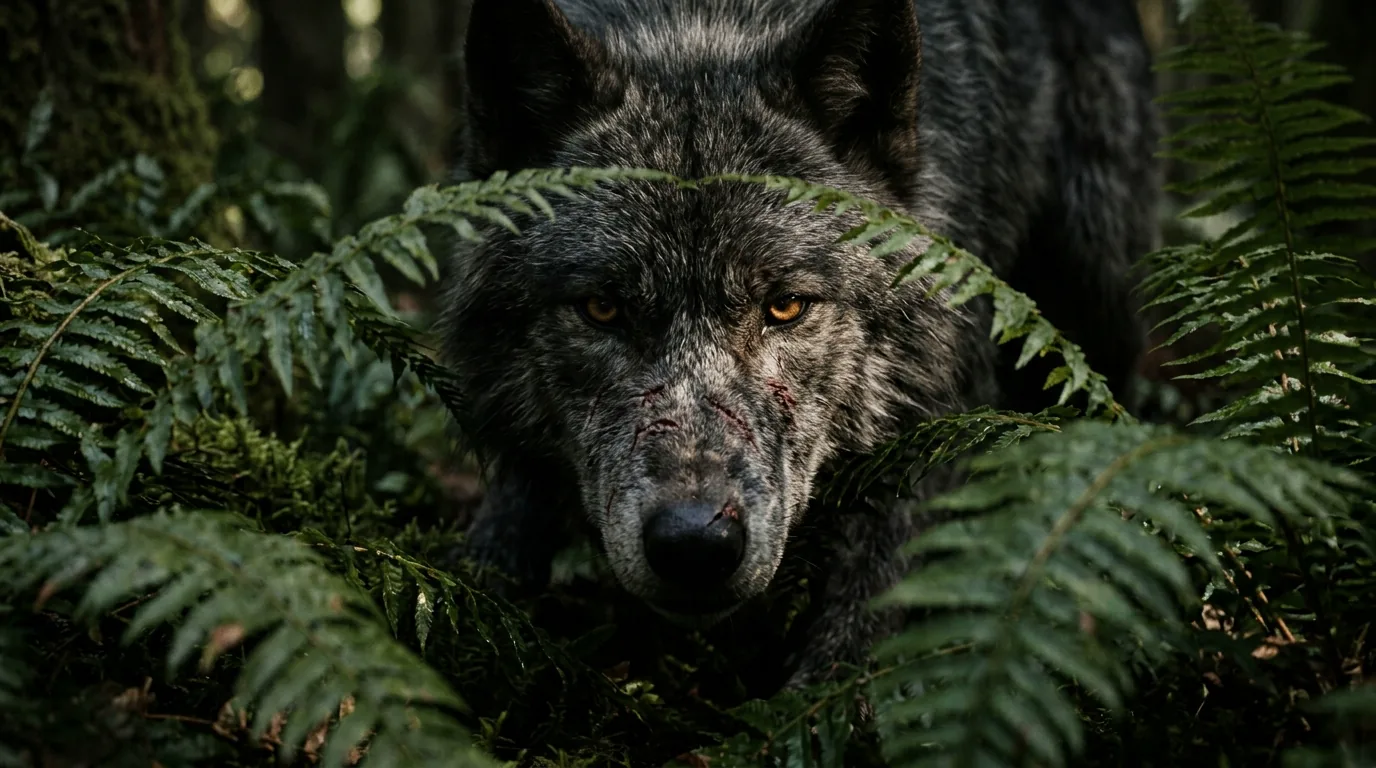
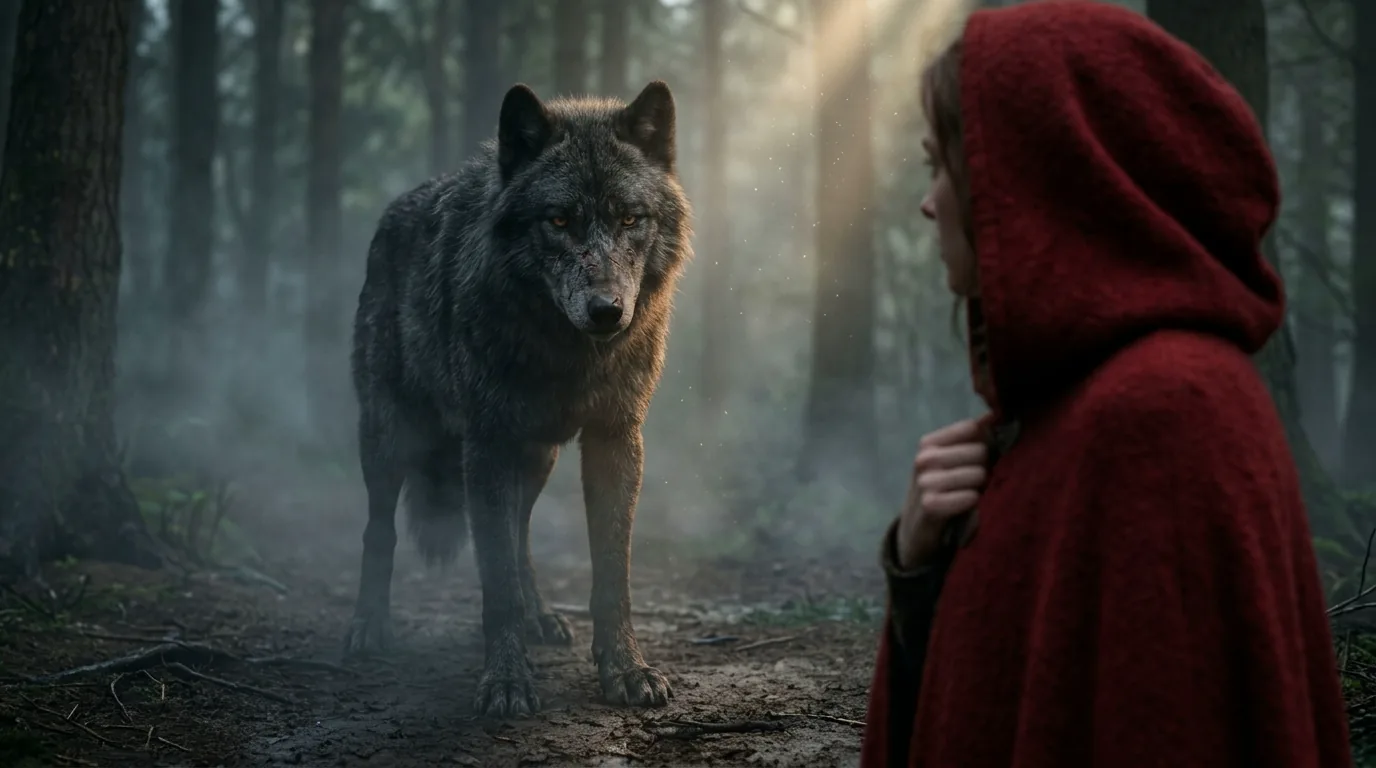
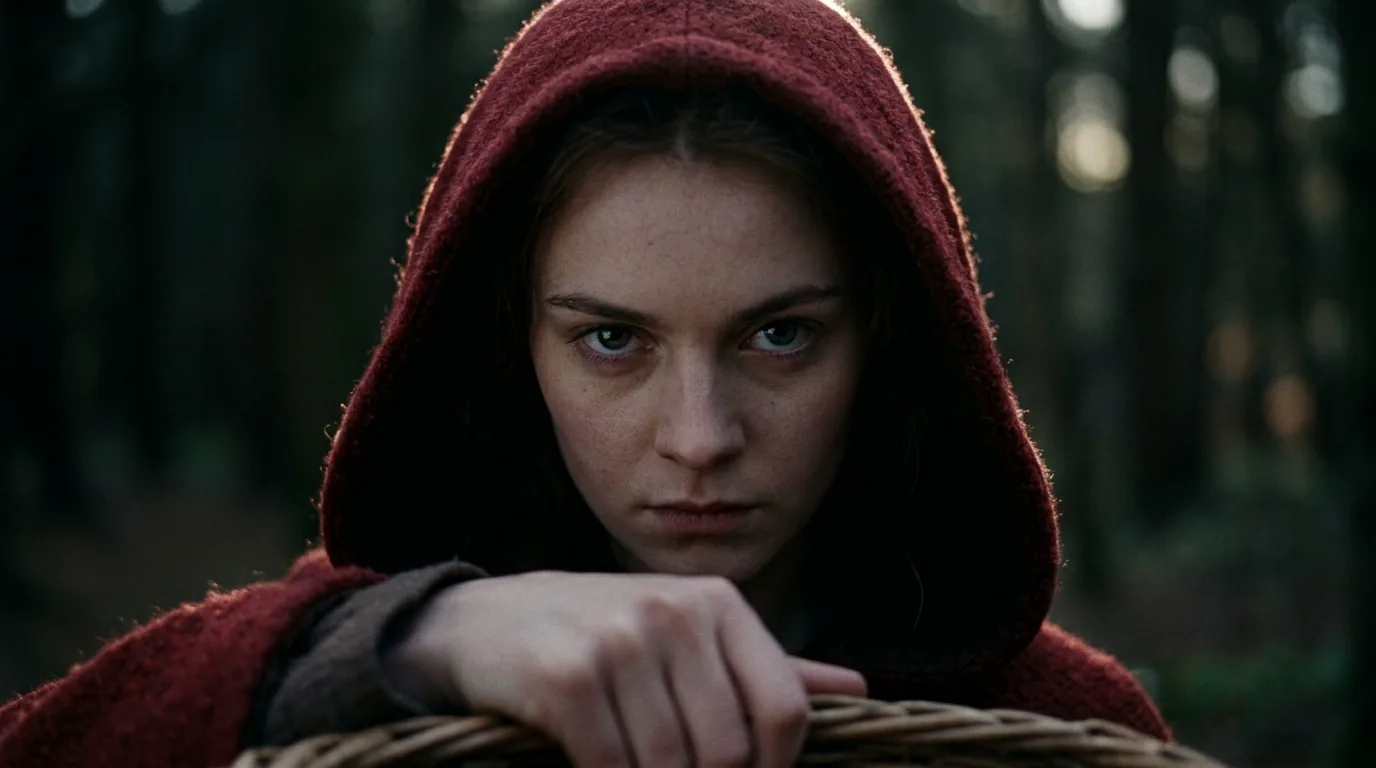
Every clip below came out of Aificient Studio — original video rendered from a prompt, not a reposted frame in sight. Same pipeline, completely different worlds.
A solo hiker's sunrise climb through the Swiss Alps — calm, vast, photoreal.
How it works
From a line of text
to a finished scene
You type one sentence; the AI writes a structured concept split into cinematic scenes, renders them, lays in narration and word-level captions — then publishes straight to TikTok, Reels, and Shorts.
- 01
Write one line
Type a single idea — a logline, a hook, a fact. The AI expands it into a structured concept split into cinematic scenes.
- 02
It renders the film
Original video rendered on the GPU — your reusable AI cast, AI narration, sound design, and word-level captions.
- 03
Post to TikTok
Generate an AI caption in your tone, attach a real trending sound, then publish to TikTok, Reels, and Shorts from your own signed-in session.



It turns a written idea into a finished vertical video — script, visuals, voices, and captions — ready to post. Aificient does it end to end, around a reusable AI cast you keep across every video.
Faceless video generatorYes. Generate an AI caption in your tone, attach a real trending sound, pick the cover, then publish or schedule to TikTok, Reels and Shorts — across one or several accounts, from your own signed-in session.
Auto-post AI videos to TikTokOn a Windows PC with a compatible NVIDIA GPU (16 GB+ VRAM), scripting, casting, every scene and the final render run on your own card; on macOS, or without such a card, you rent a GPU from the app. Publishing always runs from your own signed-in sessions.
Local AI video generatorCloud generators rent you a queue and meter every second. Aificient renders locally, so it stays fast, private and predictable — here's how it compares to a cloud-only app.
AutoShorts alternativeSigning up gives you free credits, and the Standard plan comes with a trial; after that, continued use needs a subscription — including local rendering. Rented GPUs are billed by the second at the rate shown in the app. In Lite mode at 720p a minute of video costs about $0.30, roughly 16 times cheaper than mainstream generators; rented GPUs start at $0.40 an hour (RTX 4090), $0.70 (RTX 5090) and $2 (H100), billed by the second.
Download Aificient StudioFAQ
Questions about Aificient Studio video generator
Still wondering how a step lands? The short version — follow any answer onward.

Your first post is
one line away.
Try it for free — post your first original short tonight.